

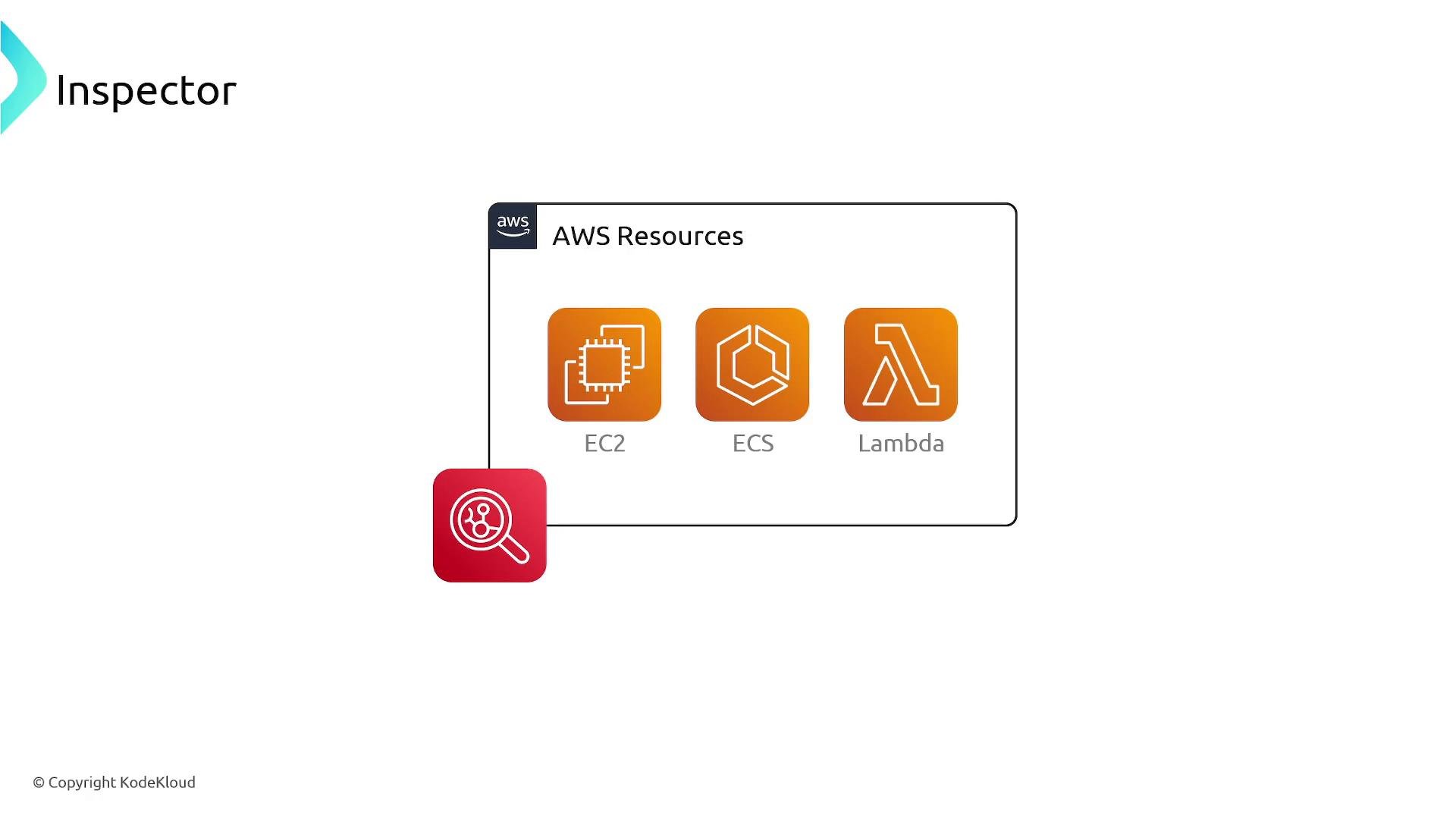
- Amazon EC2 instances
- Container images stored in Amazon Elastic Container Registry (ECR)
- AWS Lambda functions
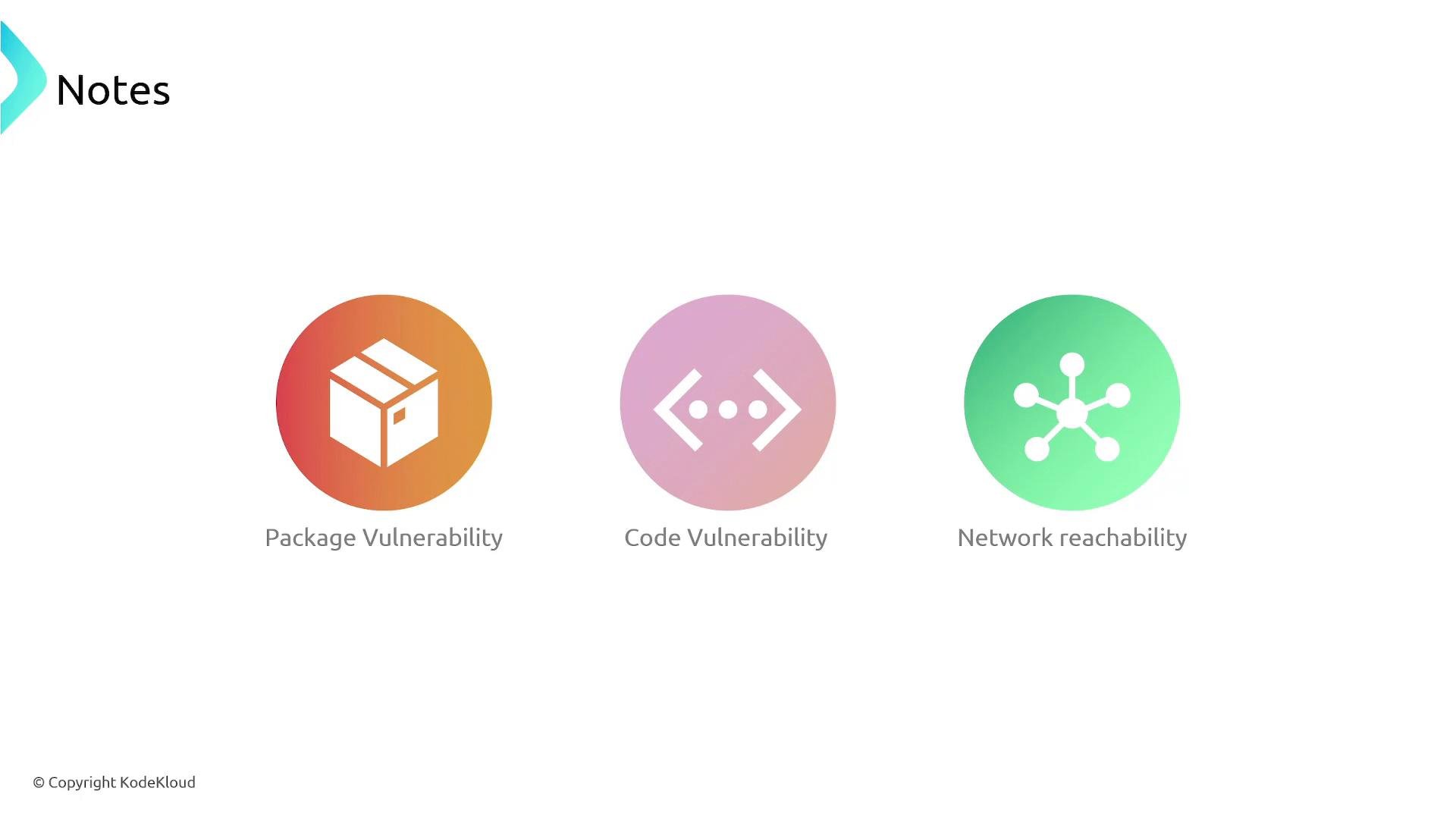
- Details about the vulnerability or misconfiguration
- The affected resource
- Recommended remediation steps and metadata to help prioritize response
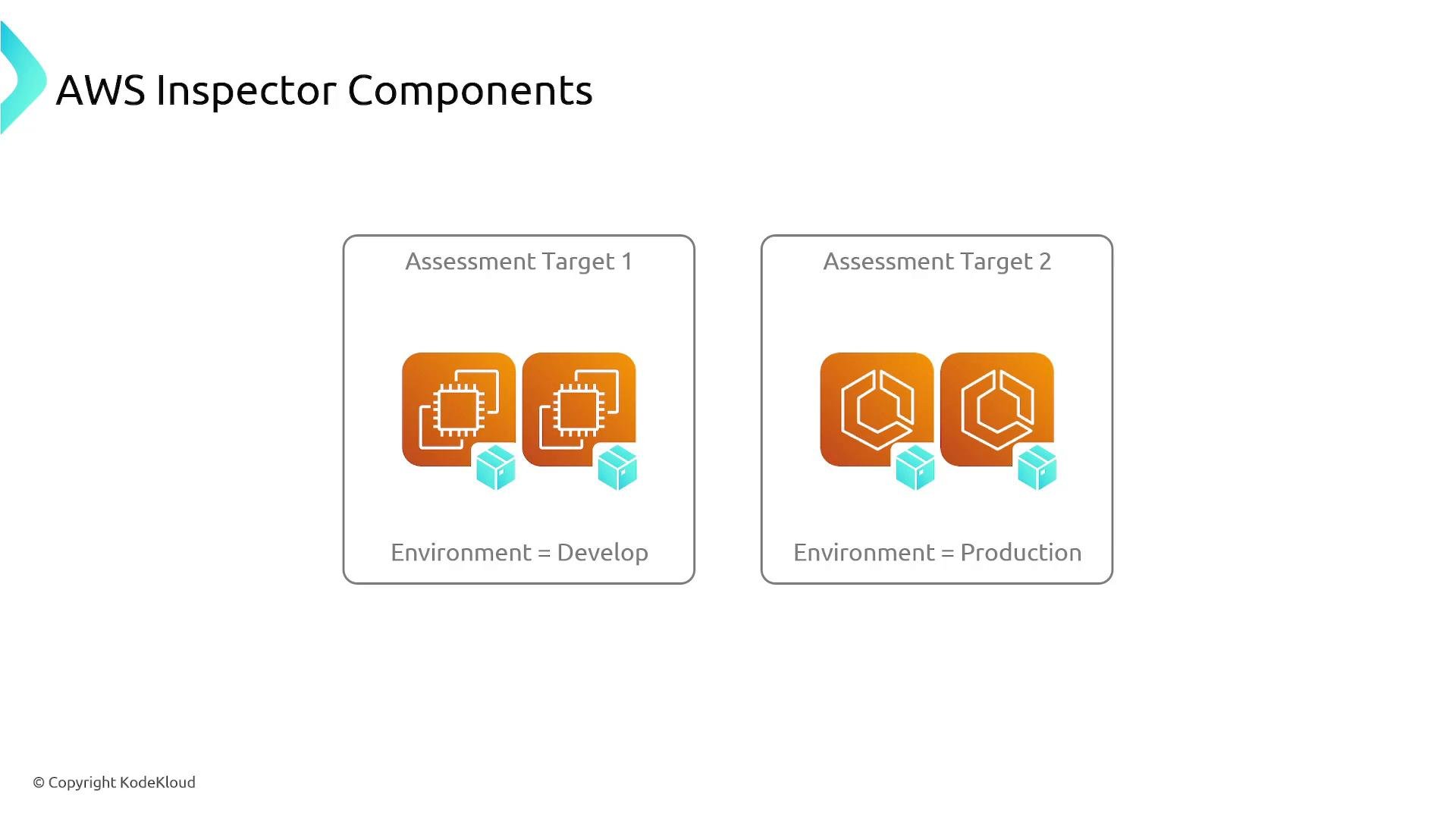
- Define assessment targets — group the resources you want to scan (for example, by tags or accounts).
- Select rules packages — choose built-in rule packages (vulnerability checks, network reachability, CIS benchmarks, etc.) that align with your goals.
- Run assessments — execute assessment runs against the chosen targets and rule packages.
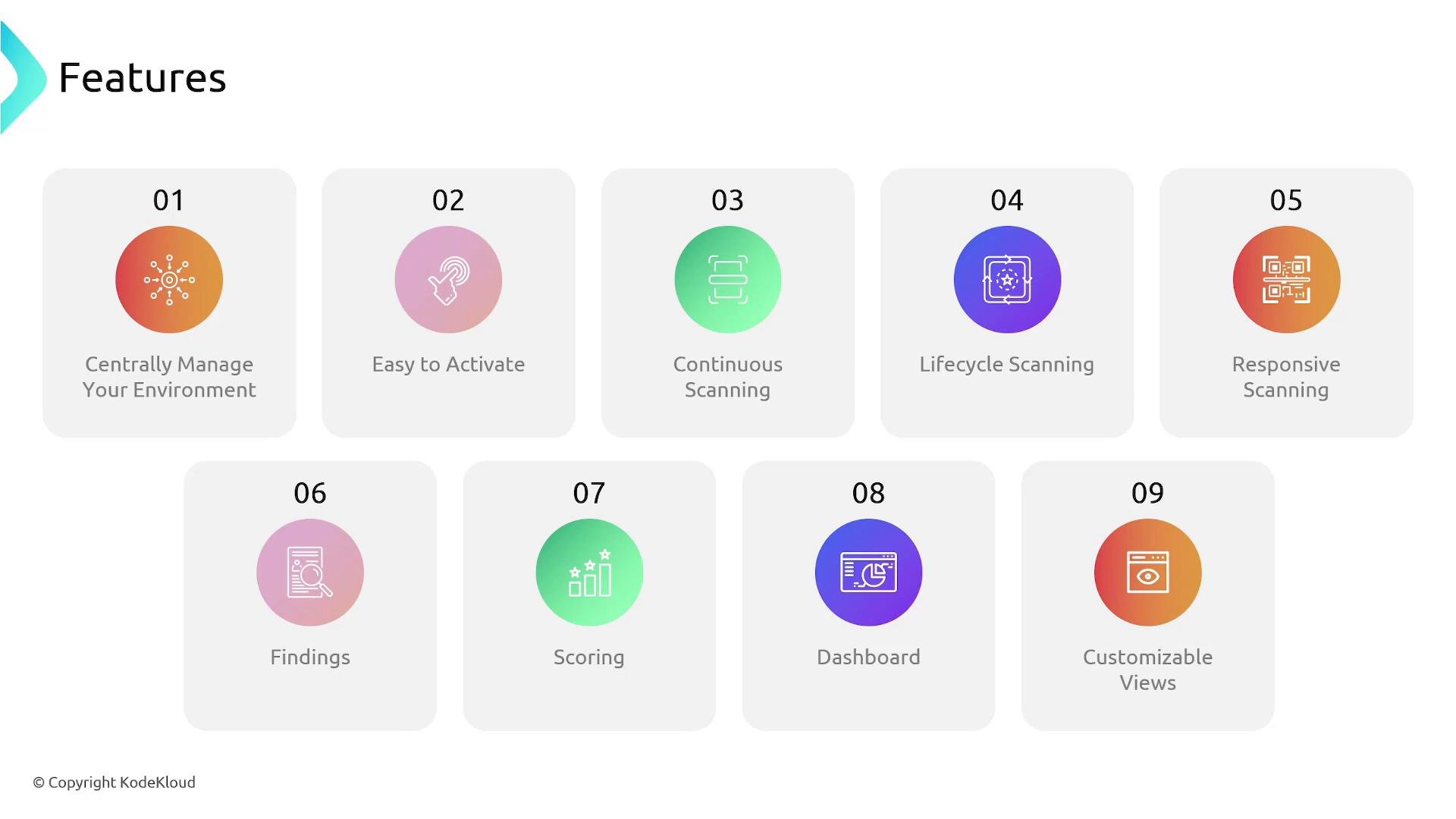
- Review findings — analyze results in the Inspector console; use severity scores, affected resources, and metadata to prioritize work.
- Remediate and re-assess — apply patches, configuration changes, or code fixes and let Inspector re-scan to confirm remediation.
Inspector continuously re-evaluates resources and re-scans them when package installs, patches, new CVEs, or configuration changes occur — helping detect regressions and new exposures as your environment evolves.
- AWS Inspector official documentation: https://docs.aws.amazon.com/inspector/latest/user/what-is-inspector.html
- AWS Security Hub: https://docs.aws.amazon.com/securityhub/latest/userguide/what-is-securityhub.html
- Amazon EventBridge: https://docs.aws.amazon.com/eventbridge/latest/userguide/what-is-amazon-eventbridge.html