

Overview
App Runner handles:- Building (when you connect source code),
- Creating or using a container image,
- Provisioning and operating runtime instances,
- Automatic scaling and traffic handling,
- Exposing a secure public endpoint (supports custom domains and TLS).
Deployment sources
App Runner supports two primary source types:
You can configure automatic redeployments: when you push to a configured branch (for example,
main), App Runner can trigger a build and deploy process. Use App Runner’s built-in source-to-deploy flow or integrate with your own CI/CD pipeline (for example, CodeBuild + CodePipeline that builds images and pushes to ECR).
How App Runner works (high level)
- Connect a source (repo or ECR image).
- Configure build settings if using source code, or point to the image in ECR.
- App Runner builds (if needed), provisions compute, and runs container instances.
- App Runner exposes a secure public URL (you can add a custom domain and TLS).
- App Runner monitors and scales the service automatically — you pay for the compute and memory used plus build resources.
Networking and accessing private resources
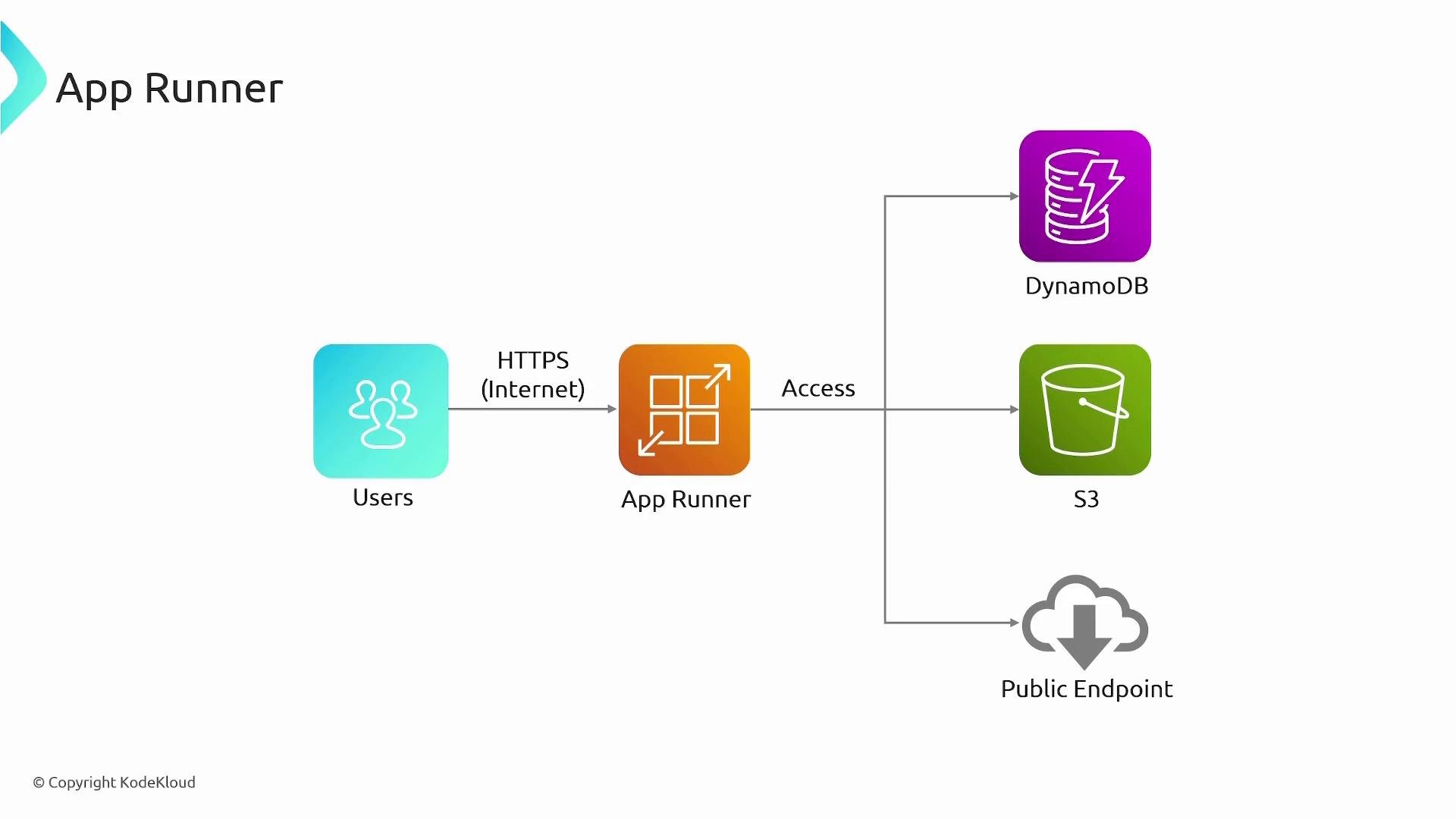
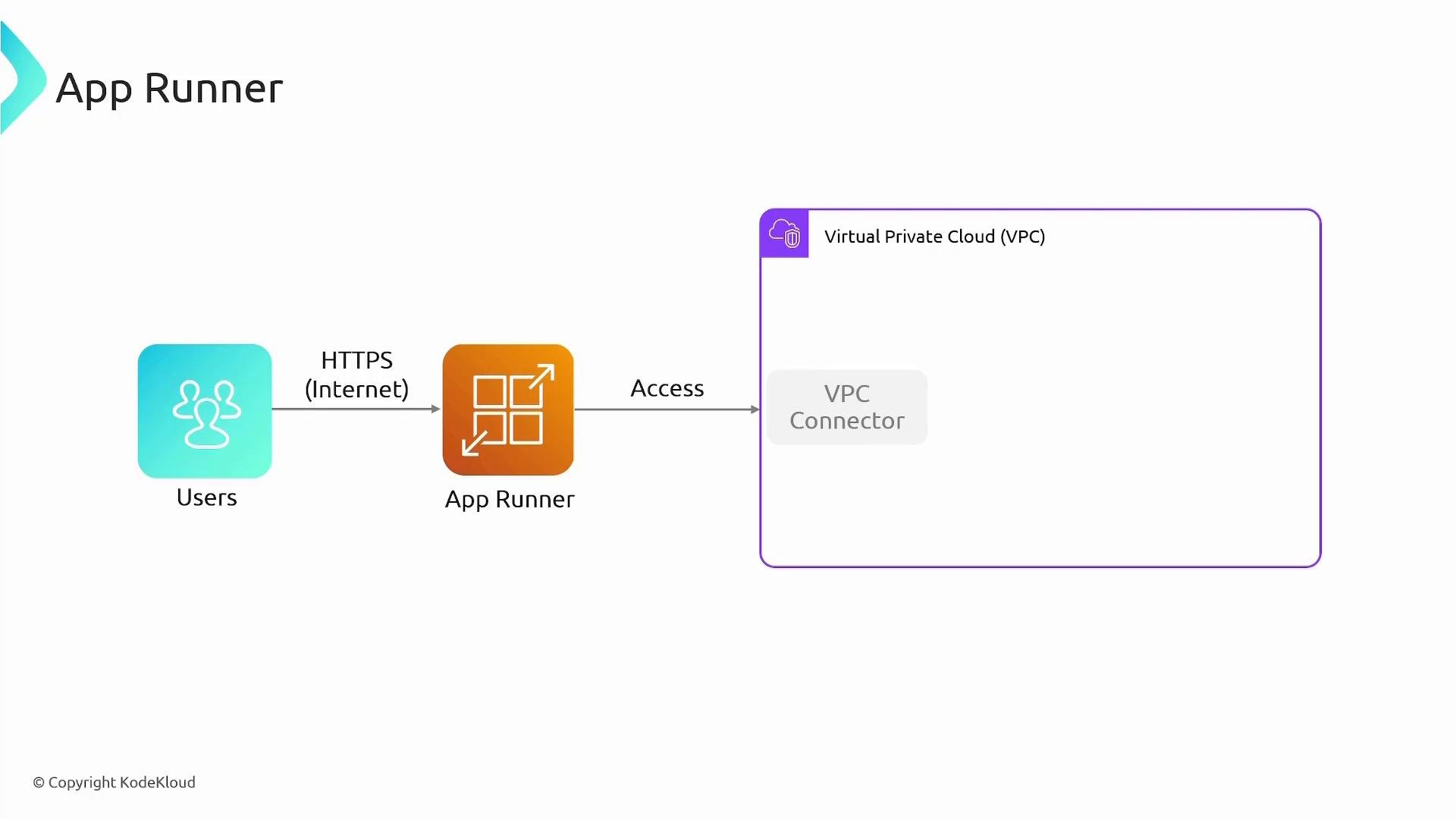
By default App Runner services have outbound access to the internet and a public inbound HTTPS endpoint. For access to private resources inside your VPC, use a VPC Connector.- VPC Connector: gives App Runner outbound network access into selected subnets in your VPC so your service can reach RDS, ElastiCache, or other private services.
- Public AWS services: App Runner can access S3, DynamoDB, and other public endpoints directly using IAM permissions. If you require private connectivity to those services, create VPC endpoints (for example, an S3 or DynamoDB endpoint) and route traffic through the VPC Connector.
Note: DynamoDB is a regional service and is not hosted inside a customer VPC by default. To access DynamoDB via a private path from App Runner, configure the appropriate VPC endpoint and attach a VPC Connector. For private databases (RDS) or caches (ElastiCache), the VPC Connector provides secure access into your VPC subnets.
Warning: App Runner exposes a public HTTPS endpoint by default. If your application must not be publicly reachable, restrict access via authentication, private routing (custom domain + routing rules), or evaluate alternatives (ECS, EKS, or private ALBs) depending on your networking needs.
Key benefits and features
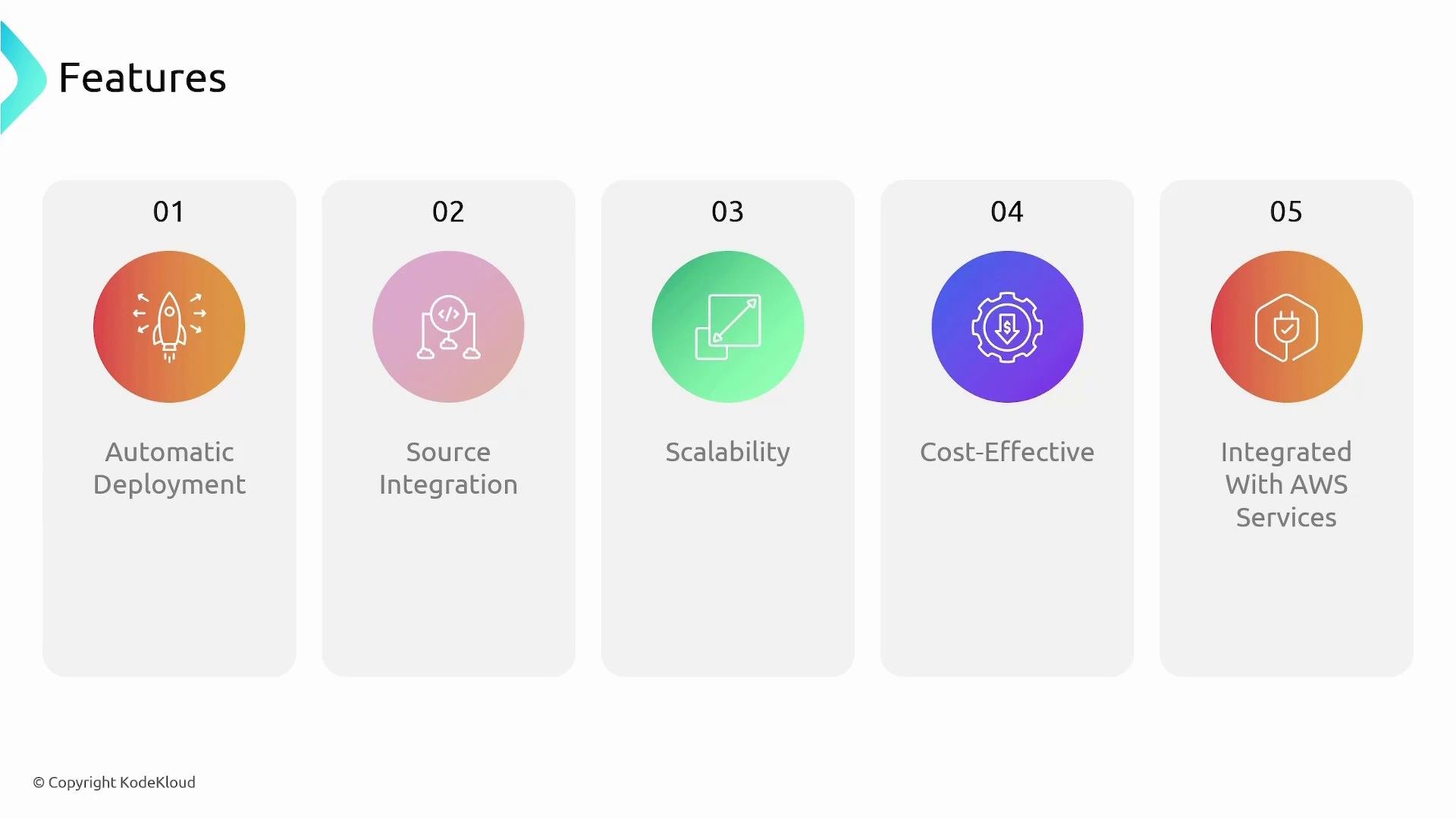
- Automatic deployment: Connect a repository or container registry and configure a branch or image tag; App Runner can deploy new commits or image updates automatically.
- Source integration: Built-in support for GitHub and CodeCommit repositories and Amazon ECR for container images.
- Scalability: Auto-scales instances based on incoming traffic and scales down when demand drops.
- Cost model: Pay for the compute and memory allocated to your running service and the build resources you use.
- AWS integration: Works with IAM for permissions, VPC Connectors for private resources, S3, DynamoDB, CloudWatch for logs and metrics, and other AWS services.
Operational notes and best practices
- Builds and CI/CD:
- For repository-based deployments, App Runner can run build steps automatically. Alternatively, create a CI/CD pipeline (CodeBuild + CodePipeline) that builds a Docker image and pushes it to ECR, then triggers App Runner to deploy the new image.
- Security:
- Use IAM roles for service-level permissions (least privilege).
- Use VPC Connectors for private resource access.
- Protect public endpoints with authentication, Web Application Firewall (WAF), or custom domain routing.
- Observability:
- Integrate with CloudWatch Logs for application and platform logs; use CloudWatch Metrics for monitoring.
- When to choose App Runner:
- Great for web services and APIs when you prefer minimal infrastructure management.
- For specialized networking, advanced scheduling, or deep control over underlying instances, consider ECS, EKS, or EC2-based setups instead.
Quick reference
Links and references
- AWS App Runner documentation
- Amazon ECR
- AWS CodeBuild
- AWS CodePipeline
- VPC endpoints
- CloudWatch Logs