

What is disaster recovery?
Disaster recovery is the planning and operational process for restoring data, systems, and applications after events that cause downtime or data loss. These events range from natural disasters (earthquakes, floods) to human-caused incidents (hardware failure, accidental deletion, or cyberattacks). Why disaster recovery matters:- Minimize business downtime and financial impact.
- Preserve data integrity and meet compliance obligations.
- Reduce reputational damage from prolonged outages.
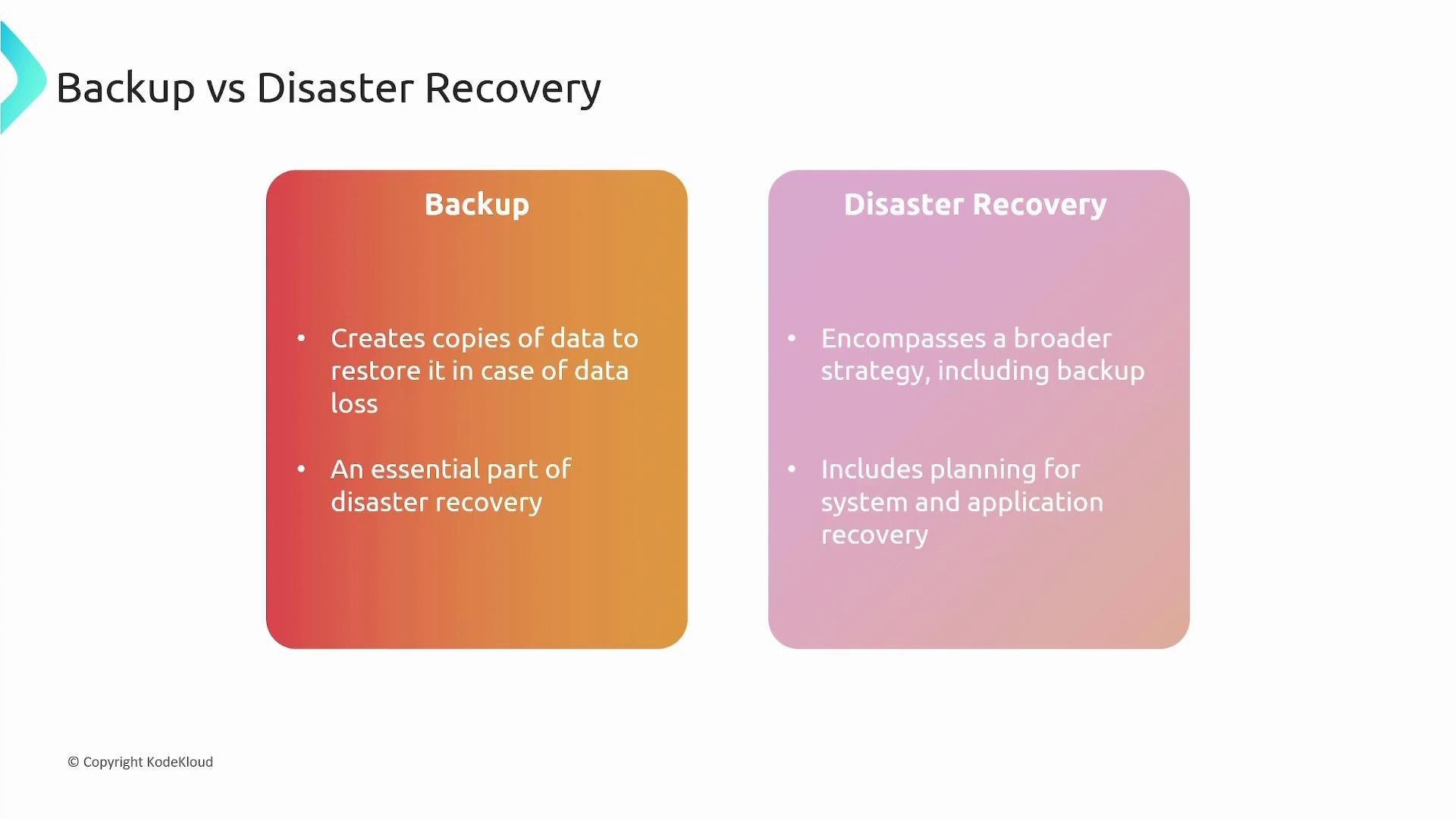
Backup creates copies of data you can restore later. Disaster recovery uses backups plus processes and infrastructure to restore applications, networks, and systems after an outage.
How AWS fits into disaster recovery
AWS provides services and patterns to implement flexible, scalable, and cost-effective disaster recovery strategies. Using AWS, you can design for cross-Region resilience, automated backups, and repeatable recovery processes to meet your RTOs and RPOs.
Key AWS building blocks for backups and recovery
Below are common AWS services used for backups and disaster recovery, when to use them, and why.
S3 (Simple Storage Service)
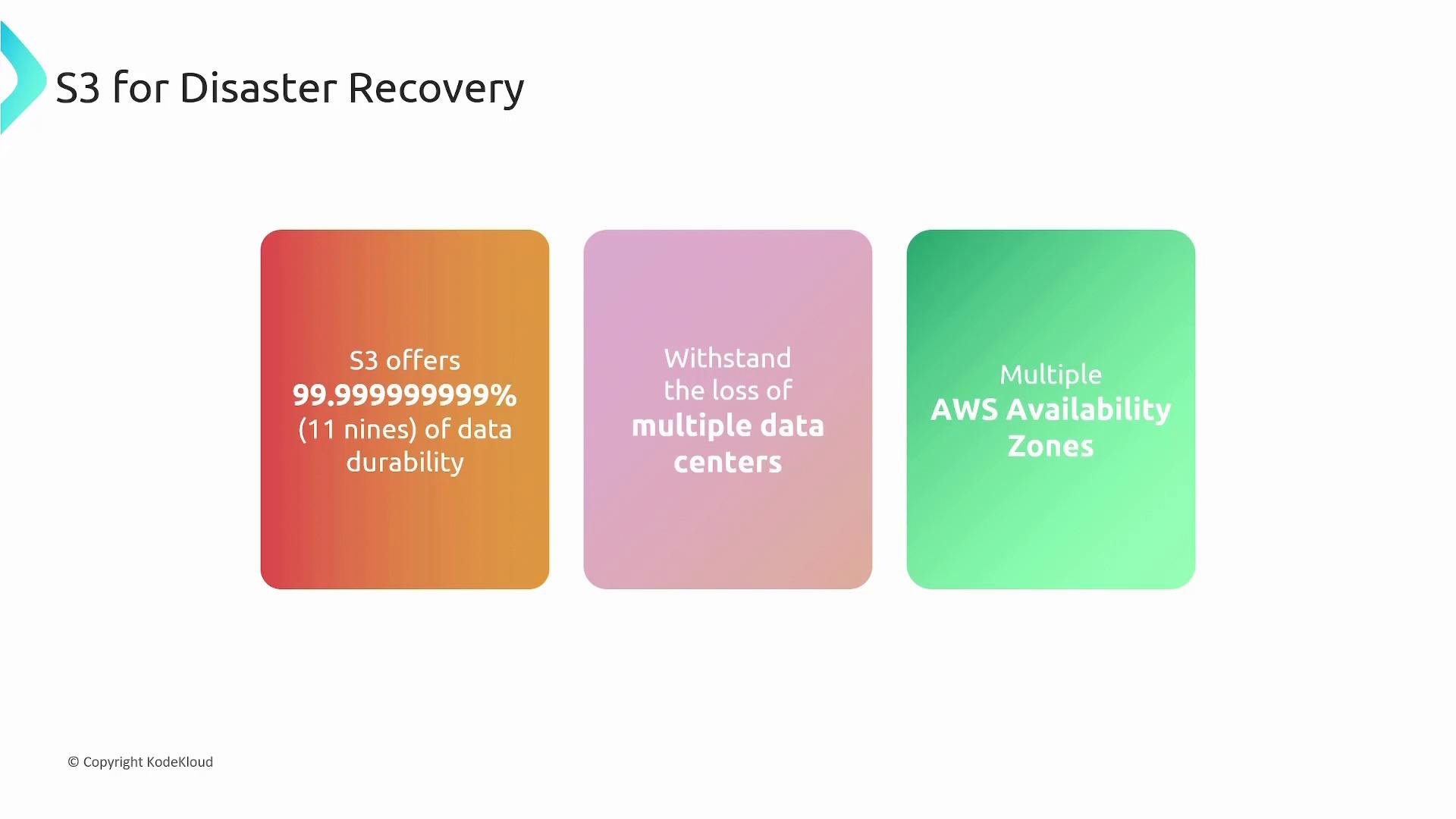
- Highly durable, available, and scalable object storage ideal for backup artifacts and exported snapshots.
- Designed for 99.999999999% (11 nines) durability and multi-AZ resiliency.
- Supports cross-Region replication to maintain copies of objects in another Region.
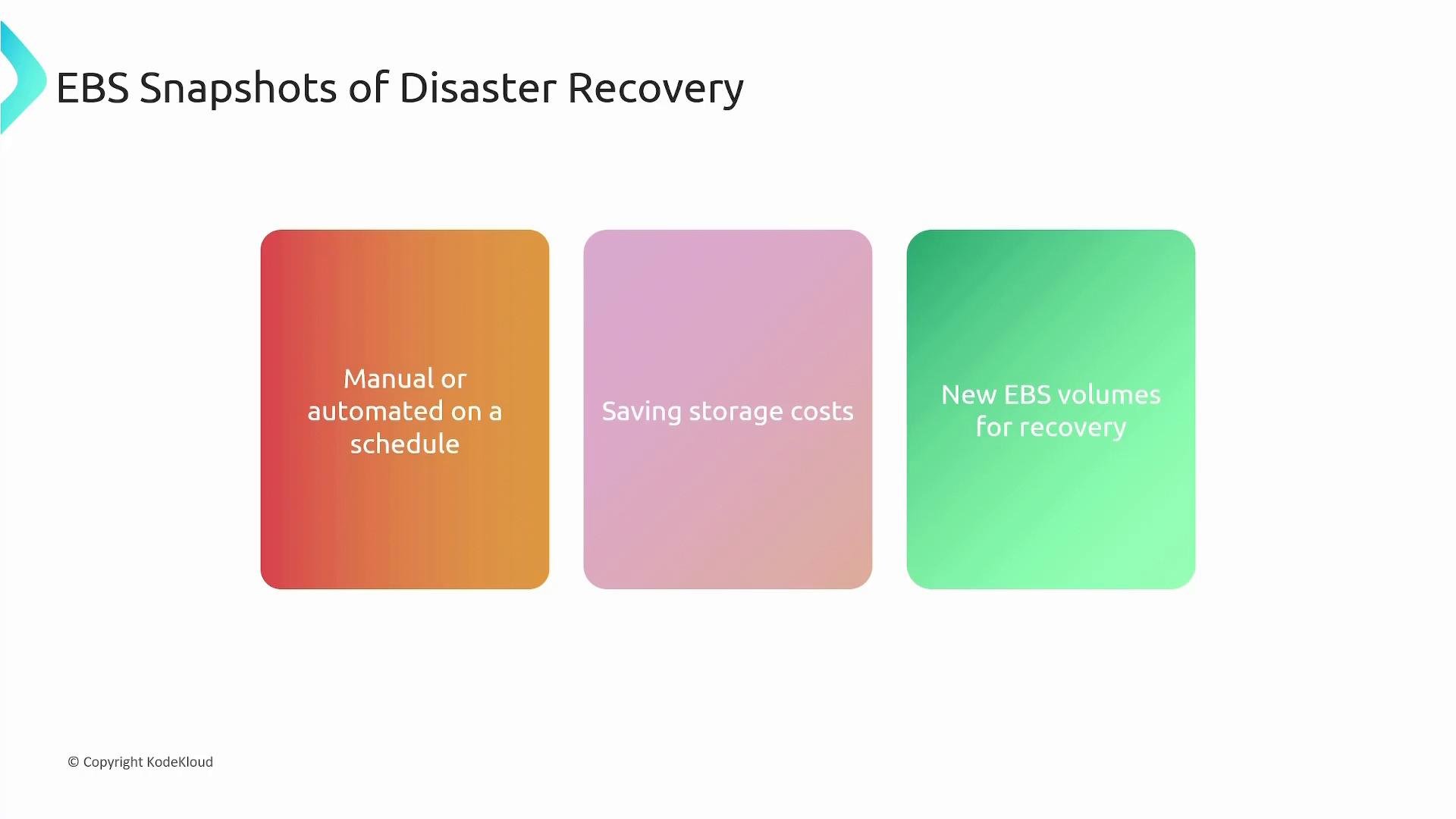
- Point-in-time, incremental copies of EBS volumes. Only changed blocks are stored after the initial snapshot, reducing storage cost.
- Snapshots can be created manually or scheduled via automation (AWS Backup, Amazon Data Lifecycle Manager).
- Use snapshots to create new EBS volumes for restores, cloning, or environment rebuilds.
AWS Backup — centralized, managed backups
AWS Backup centralizes and automates backups across many AWS services. It provides a single console and API to define backup schedules, retention policies, and copy rules across accounts and Regions. Key capabilities:- Centralized backup management and reporting across supported AWS services.
- Automated schedules and lifecycle management (transition to cold storage, retention).
- Cross-Region and cross-account copy for geographic redundancy.
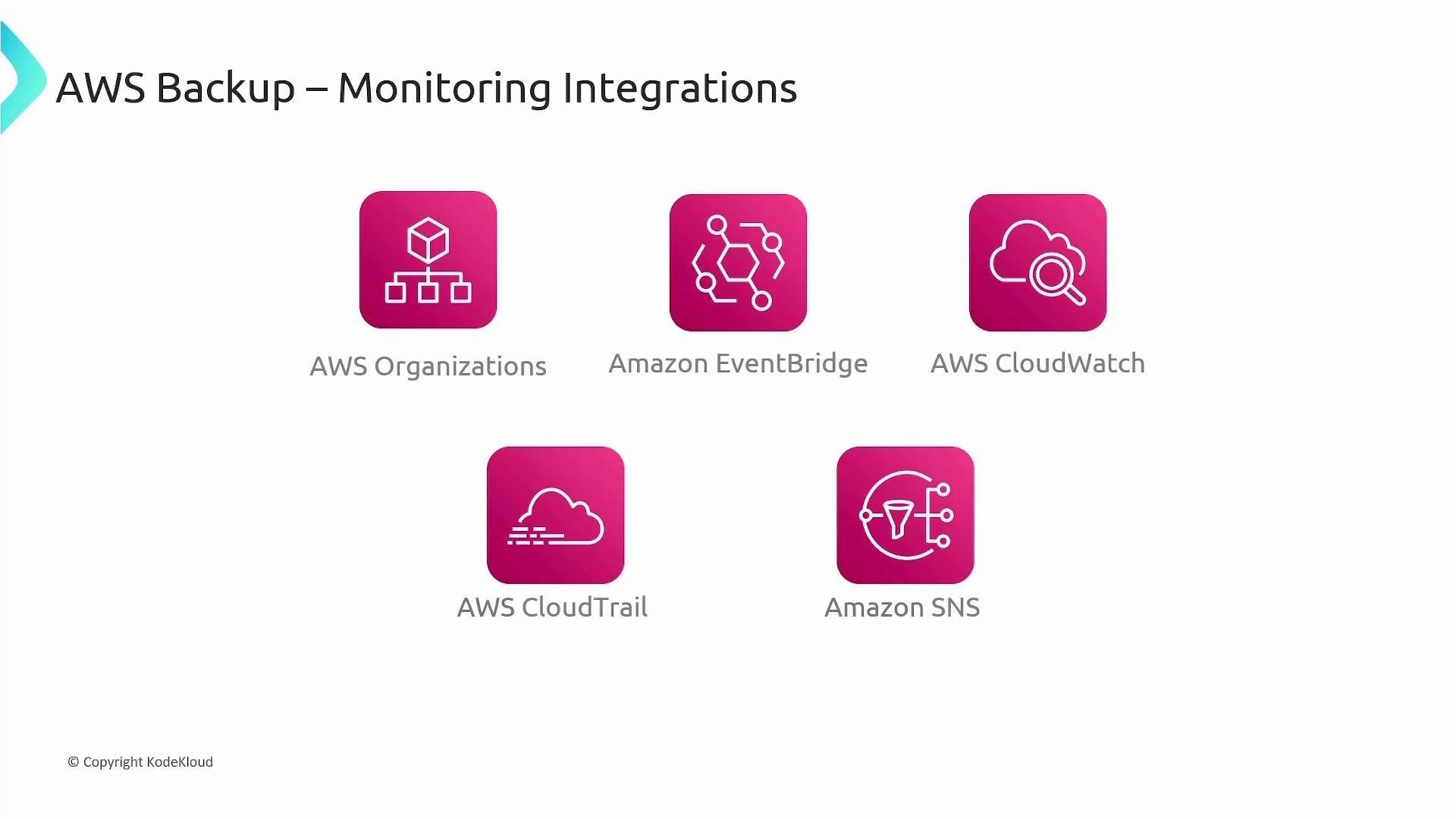
- Integrations with EventBridge, CloudWatch, CloudTrail, and SNS for monitoring and auditing.
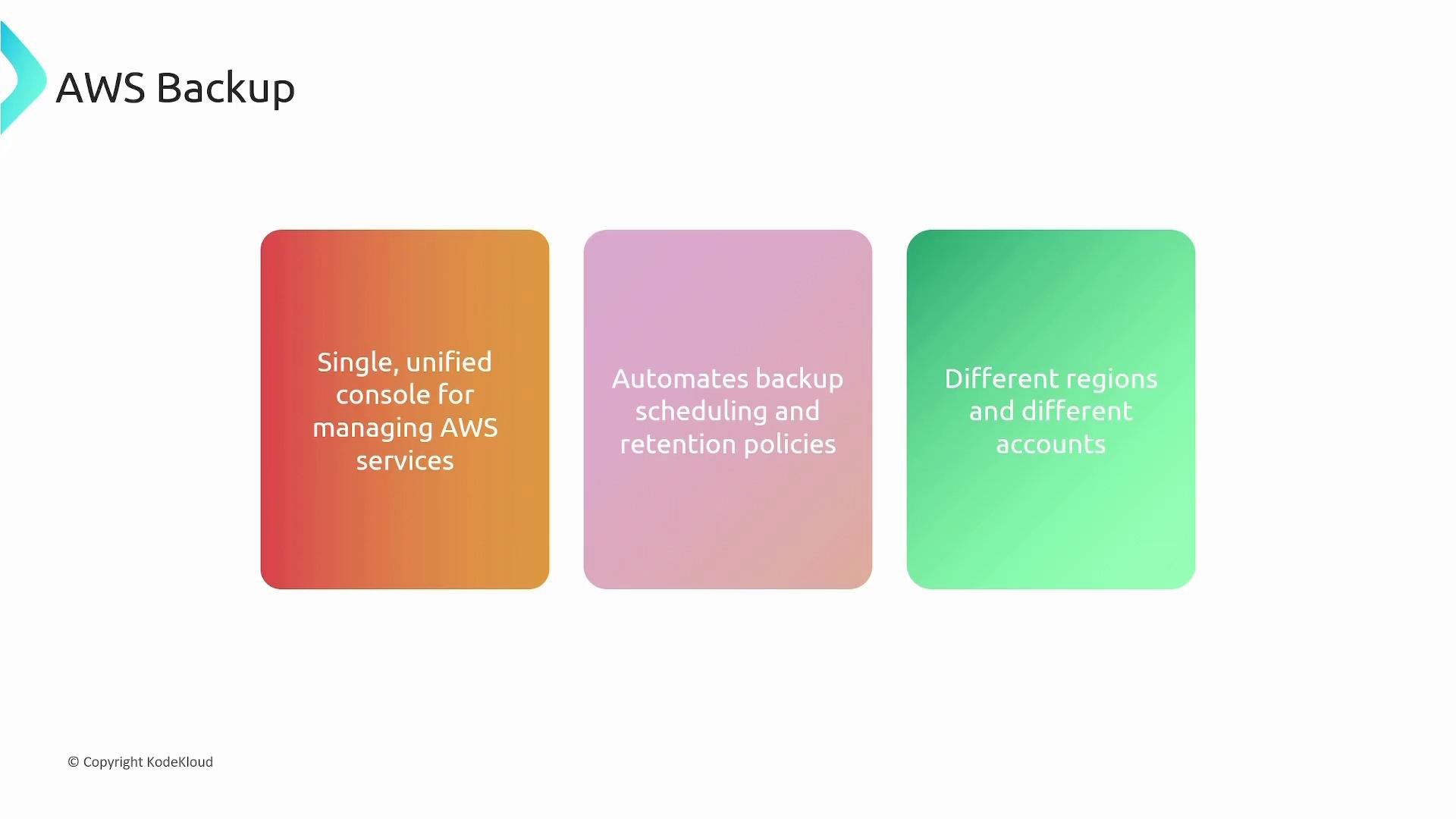
Cross-region and cross-account copies improve resilience but can increase costs and add compliance considerations (data residency, encryption, access controls). Review cost and governance implications when enabling cross-region copying.
AWS Backup core concepts
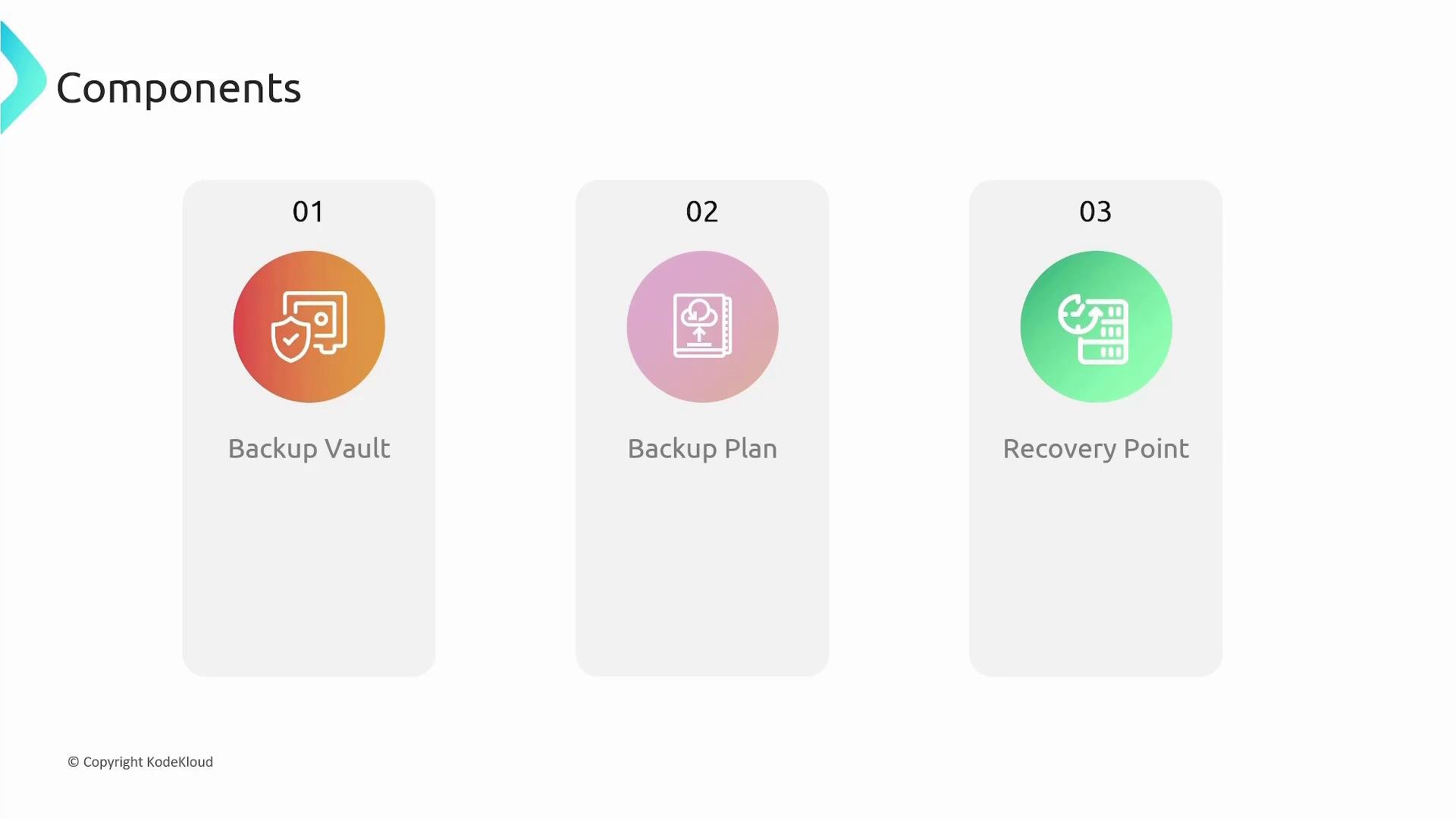
Understand these primary AWS Backup building blocks:-
Backup vault
- A logical, isolated container where backup recovery points are stored. Use separate vaults to separate workloads, teams, or compliance zones.
-
Backup plan
- Defines when backups occur (schedules), lifecycle (retention, transition), and which resources to protect (by tags or resource IDs).
-
Recovery point
- A point-in-time backup artifact from which you can restore a resource. Recovery points are stored in vaults and are the recoverable units.
Example workflow: backing up an application across regions
Scenario: an application inus-east-1 uses EC2 (with EBS), EFS, and RDS.
Recommended AWS Backup workflow:
- Create a primary Backup Vault in
us-east-1. - Create a Backup Plan that selects the application’s resources (by tag or resource ID), and define the schedule and retention policy.
- Optionally create a secondary Backup Vault in
us-west-1(or another target Region). - Add cross-Region copy rules in the Backup Plan so recovery points are automatically replicated from the primary vault to the secondary vault.
- In the event of an outage in
us-east-1, restore recovery points inus-west-1and redeploy application components there.
Monitoring and auditing
AWS Backup integrates with AWS monitoring and auditing tools to operationalize backup reliability and compliance:
Use these integrations to alert on failed backups, validate successful cross-region copies, and maintain an auditable backup trail.
Summary
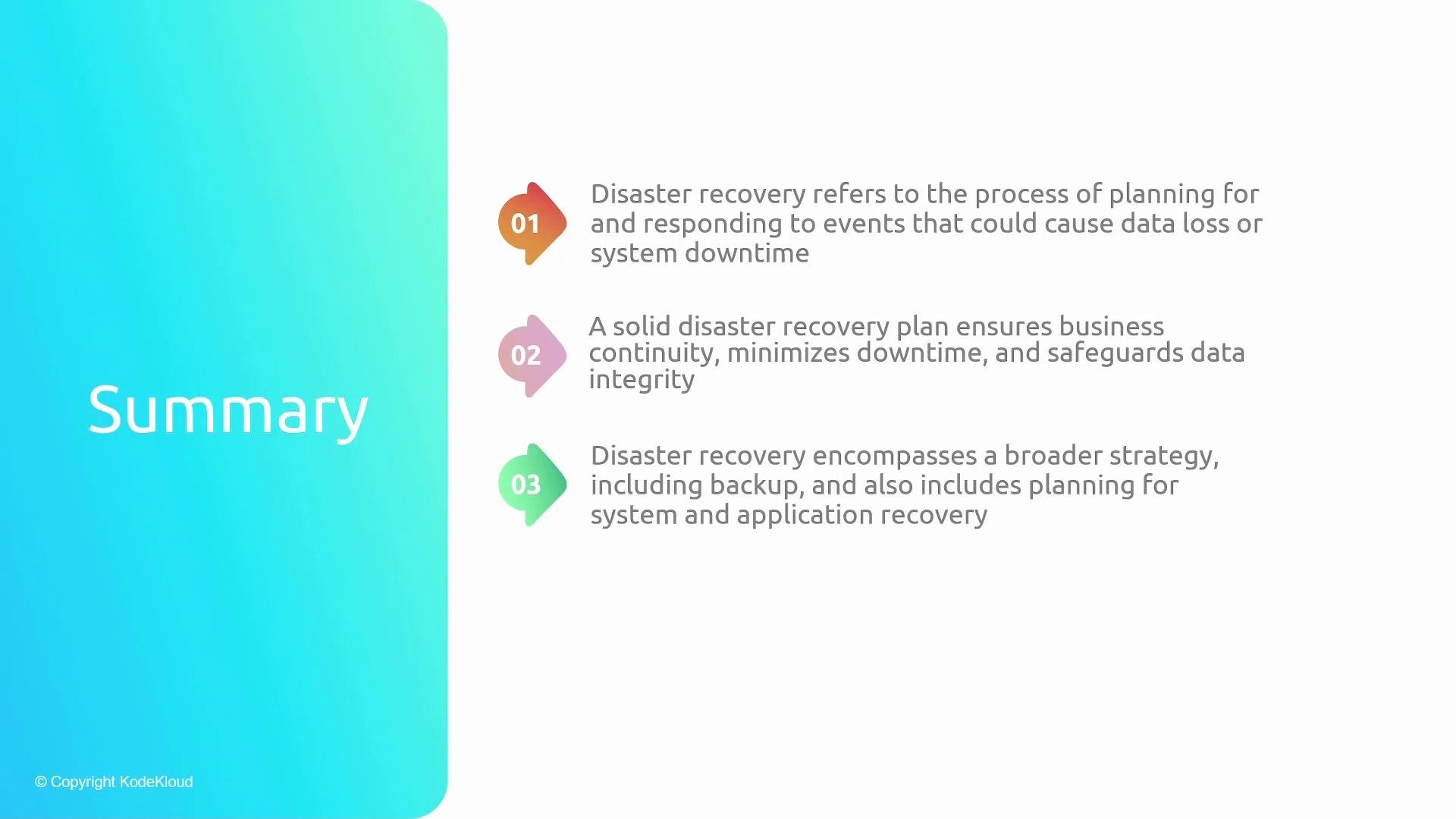
- Disaster recovery is a comprehensive strategy that includes backups, procedures, and infrastructure to restore systems and meet RTO/RPO targets.
- AWS provides multiple services useful for DR: S3, EBS snapshots, RDS/EFS backups, and centralized orchestration with AWS Backup.
- AWS Backup centralizes backup configuration with vaults, plans, and recovery points, and supports lifecycle management and cross-region/account copies.
- Integrate AWS Backup with EventBridge, CloudWatch, CloudTrail, and SNS to operationalize monitoring and auditing.
Links and references
- AWS Backup Developer Guide
- Amazon S3 Overview
- EBS and Snapshots (EC2)
- Amazon RDS snapshots
- Amazon EFS documentation
- Amazon EventBridge
- Amazon CloudWatch
- AWS CloudTrail
- Amazon SNS