

- https://aws.amazon.com/transcribe
- https://aws.amazon.com/translate
- https://aws.amazon.com/polly
- https://aws.amazon.com/comprehend
- https://aws.amazon.com/textract
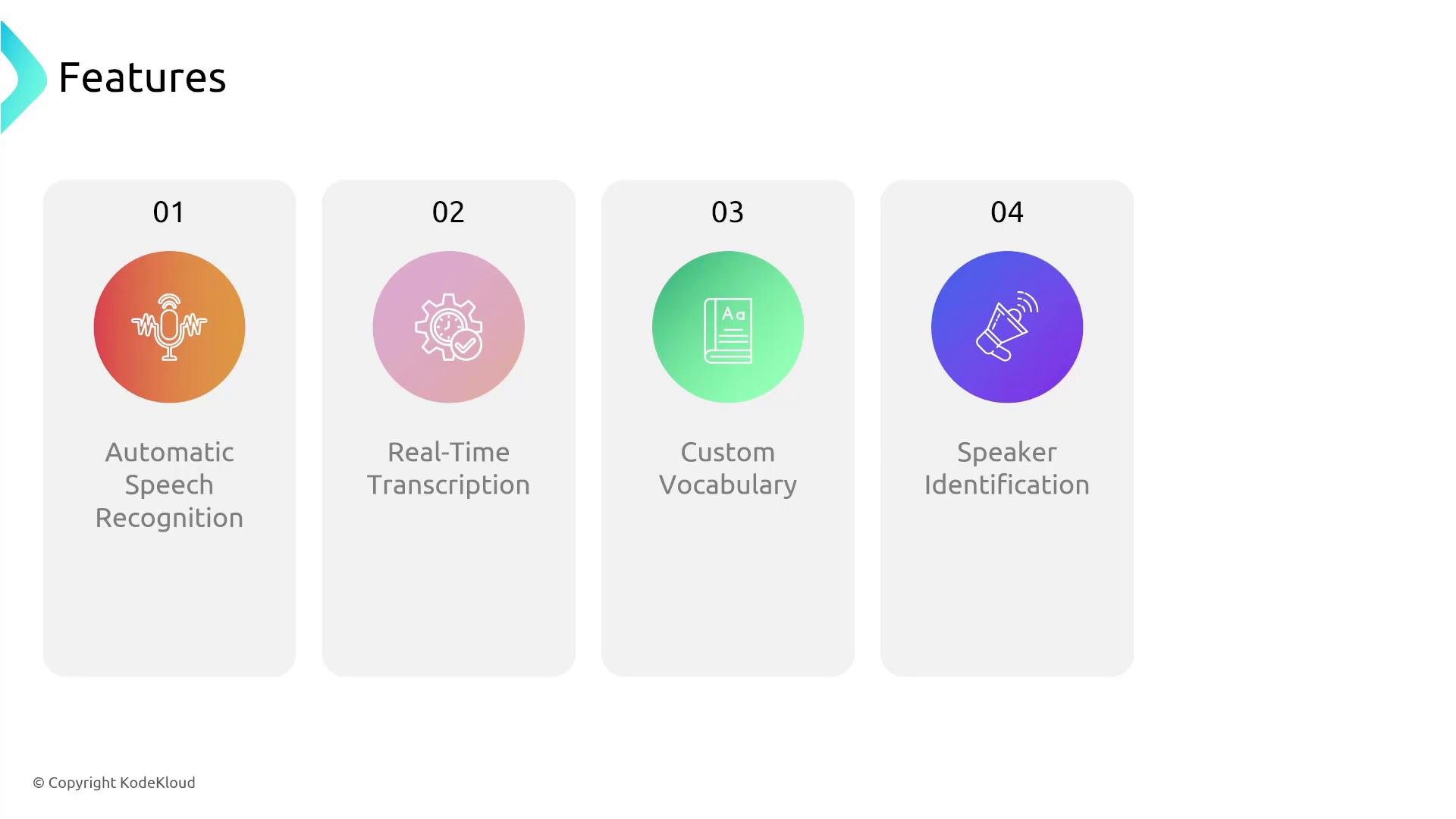
- Purpose: Turn audio into searchable, timestamped text for analytics, captions, compliance, and archival.
- Modes: Batch transcription for recorded files; streaming APIs/SDKs for real-time use cases (live captions, contact-center).
- Integration: Native S3 output and easy integration with Lambda, CloudWatch, Translate, Comprehend, DynamoDB, and downstream analytics.
Core features
Speaker diarization
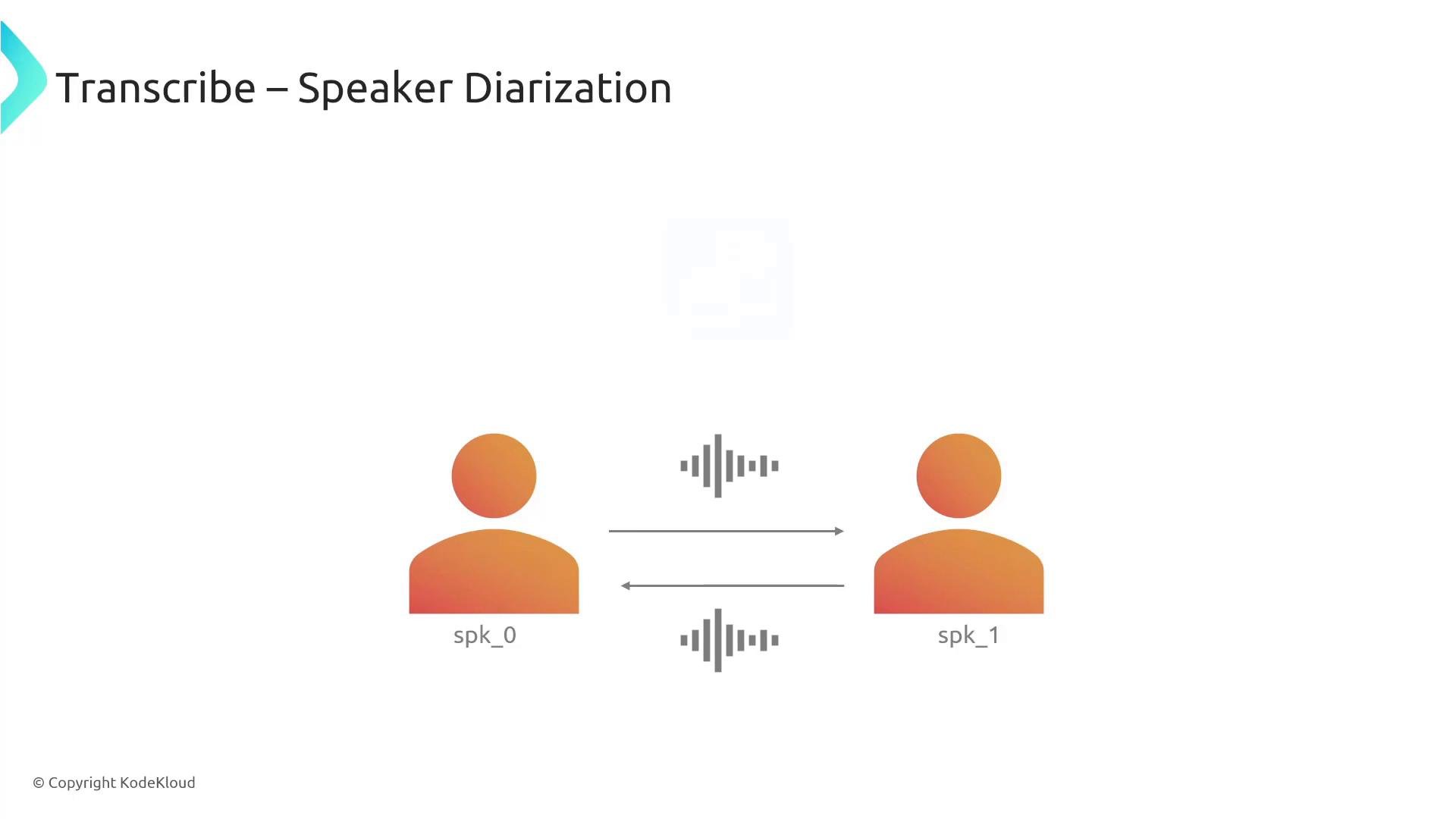
Speaker diarization assigns speaker labels to transcript segments (for example,
spk_0, spk_1) so you can attribute utterances to participants in meetings, interviews, or multi-party calls. Transcribe supports labeling up to 10 unique speakers, which makes transcripts more actionable for analytics and QA.
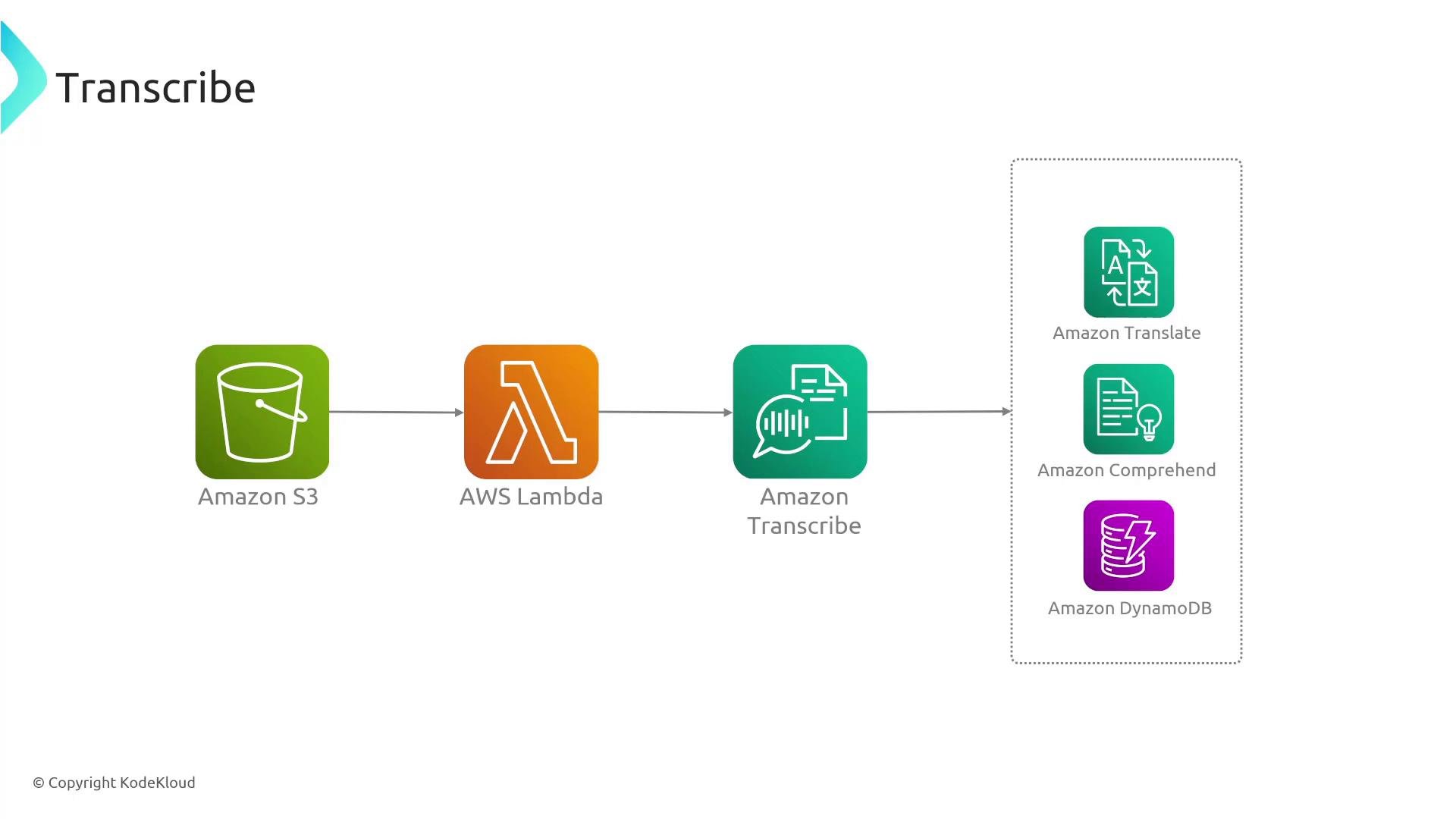
- Upload audio files to an S3 bucket.
- S3 triggers an AWS Lambda function (S3 event notification).
- Lambda starts a Transcribe job (batch) or initiates streaming capture.
- Transcribe writes transcript JSON to S3 (or returns streaming results).
- A consumer Lambda or step function processes transcripts and forwards results to services such as Amazon Translate, Amazon Comprehend, or stores metadata in Amazon DynamoDB.
ShowSpeakerLabels=trueenables diarization; setMaxSpeakerLabelsto the expected number of speakers (up to 10).- For low-latency live transcription, use the streaming APIs/SDKs (WebSocket or gRPC-based clients) rather than the batch CLI.
- Use
--vocabulary-nameto reference a custom vocabulary that includes domain-specific terms or proper names. - The Transcribe job response includes
TranscriptFileUri, which points to the S3 object that contains the transcript JSON.
Use Lambda to automate the workflow:
S3 event triggers Lambda → Lambda starts a Transcribe job → Transcribe writes output to S3 → another Lambda processes results and forwards them to services like Amazon Translate, Amazon Comprehend, or Amazon DynamoDB.- Choose batch vs streaming based on latency needs: streaming for live interactions; batch for pre-recorded files.
- Improve accuracy with custom vocabularies and phrase lists for domain-specific terminology.
- For noisy audio: consider pre-processing (noise reduction), higher-quality audio inputs, or enhanced/advanced models when available.
- Monitor performance and errors using AWS CloudWatch and enable relevant metrics/logging for jobs.
- Cost control: monitor usage patterns; Call Analytics and streaming incur different charges than simple batch transcription.
- Security: protect S3 buckets and IAM roles/policies that grant Transcribe access to media and output locations.
- Amazon Transcribe — https://aws.amazon.com/transcribe
- Amazon Translate — https://aws.amazon.com/translate
- Amazon Comprehend — https://aws.amazon.com/comprehend
- Amazon Polly — https://aws.amazon.com/polly
- AWS Lambda — https://learn.kodekloud.com/user/courses/aws-lambda
- Amazon S3 — https://learn.kodekloud.com/user/courses/amazon-simple-storage-service-amazon-s3
- AWS CloudWatch — https://learn.kodekloud.com/user/courses/aws-cloudwatch
- Amazon DynamoDB — https://aws.amazon.com/dynamodb