

- A user uploads a video (MP4) to an S3 bucket.
- S3 publishes an event to an SNS topic (Video Uploaded).
- SNS fans out the event to two SQS queues:
video-processing→ triggers a Lambda that converts the video (e.g., to HLS) and writes to the processed-videos bucket.thumbnail-processing→ triggers a Lambda that generates thumbnails and writes to the thumbnails bucket.
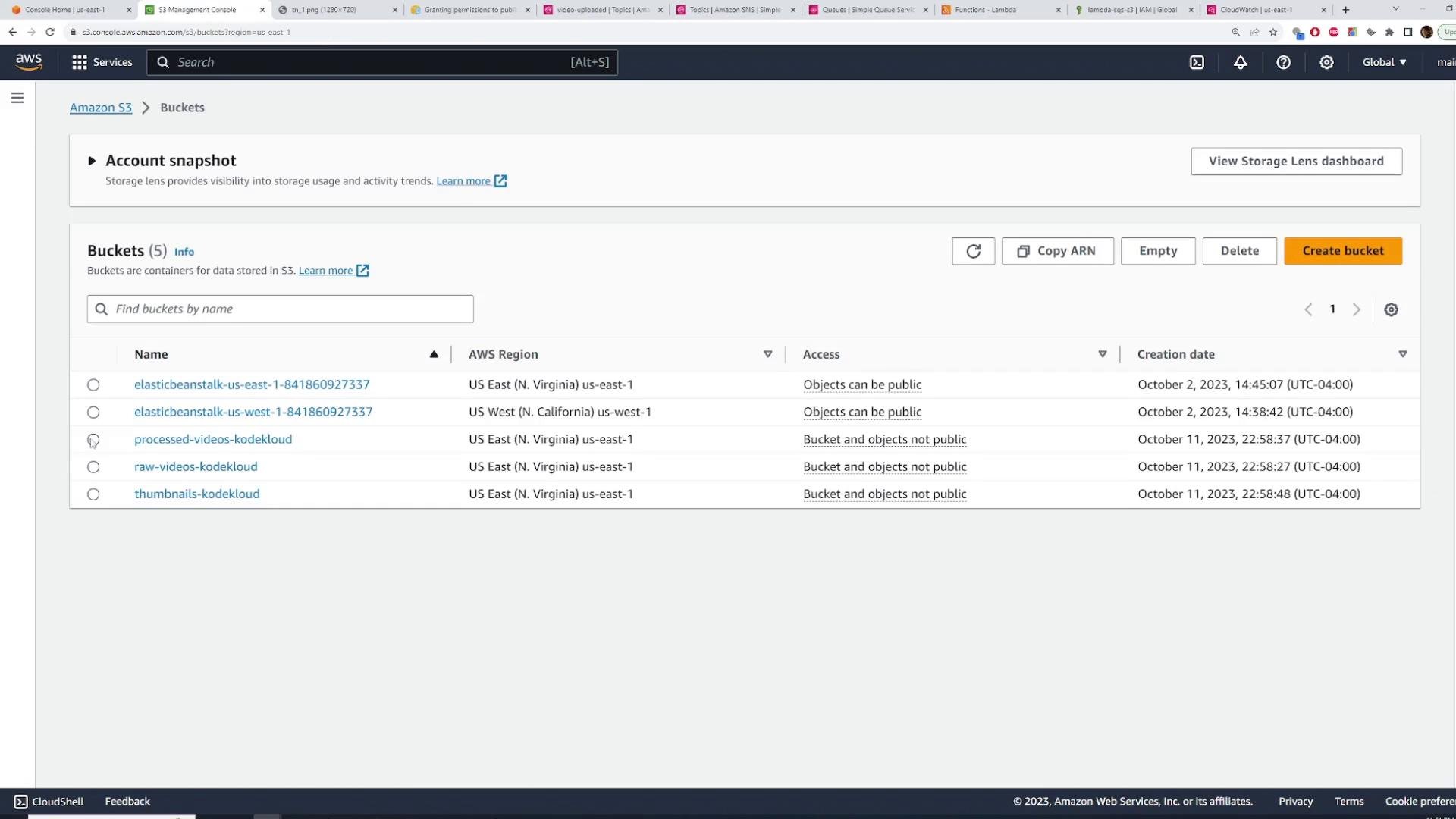
raw-videos-kodekloudprocessed-videos-kodekloudthumbnails-kodekloud
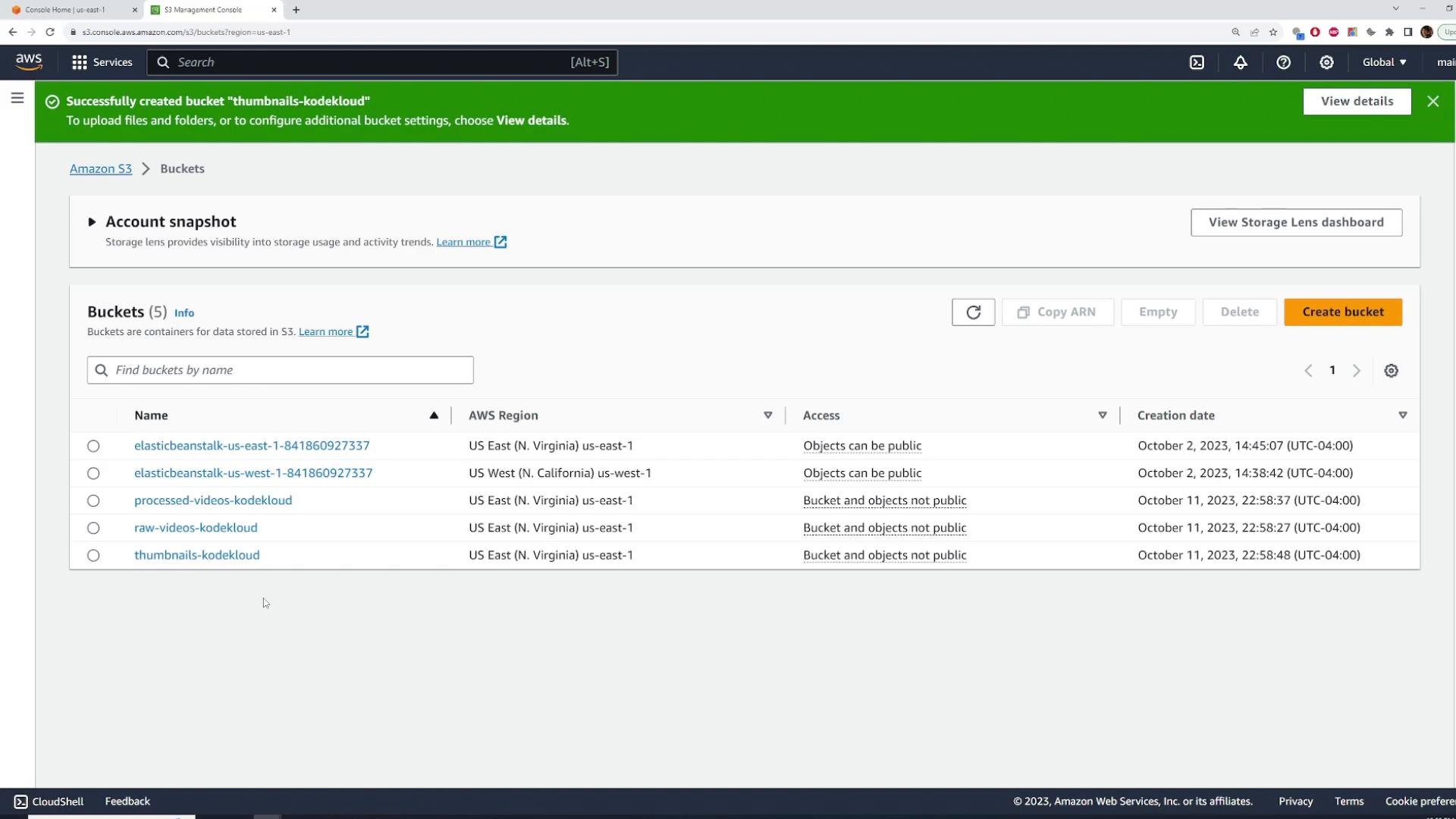
Quick resource overview
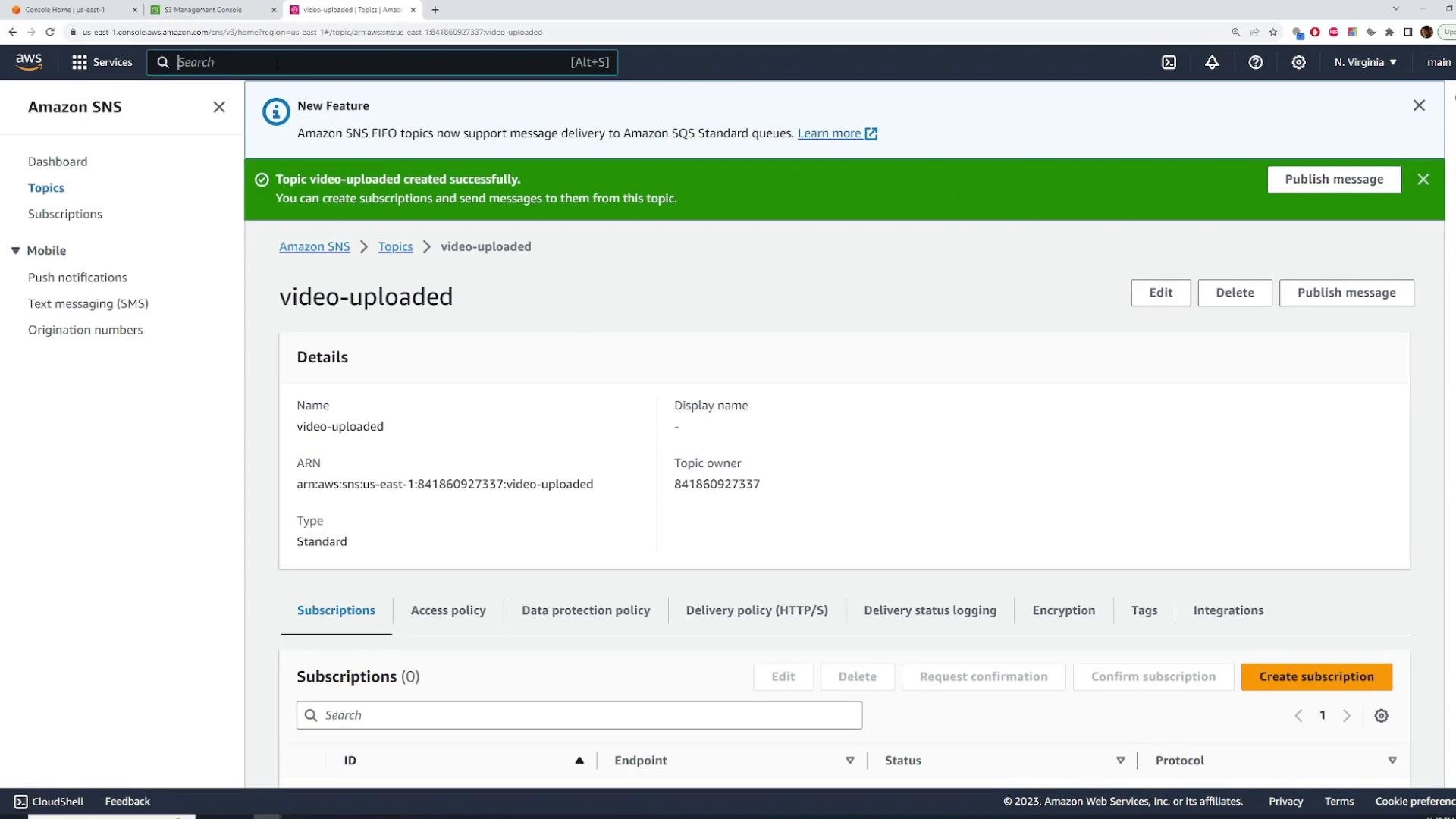
Create the SNS topic
- Open the SNS console → Topics → Create topic.
- Name the topic (for example:
video-uploaded). Use the Standard topic type unless you need FIFO semantics or strict ordering. - Review options (encryption, access policy). For the demo keep defaults and create the topic.
Create the SQS queues and subscribe them to SNS
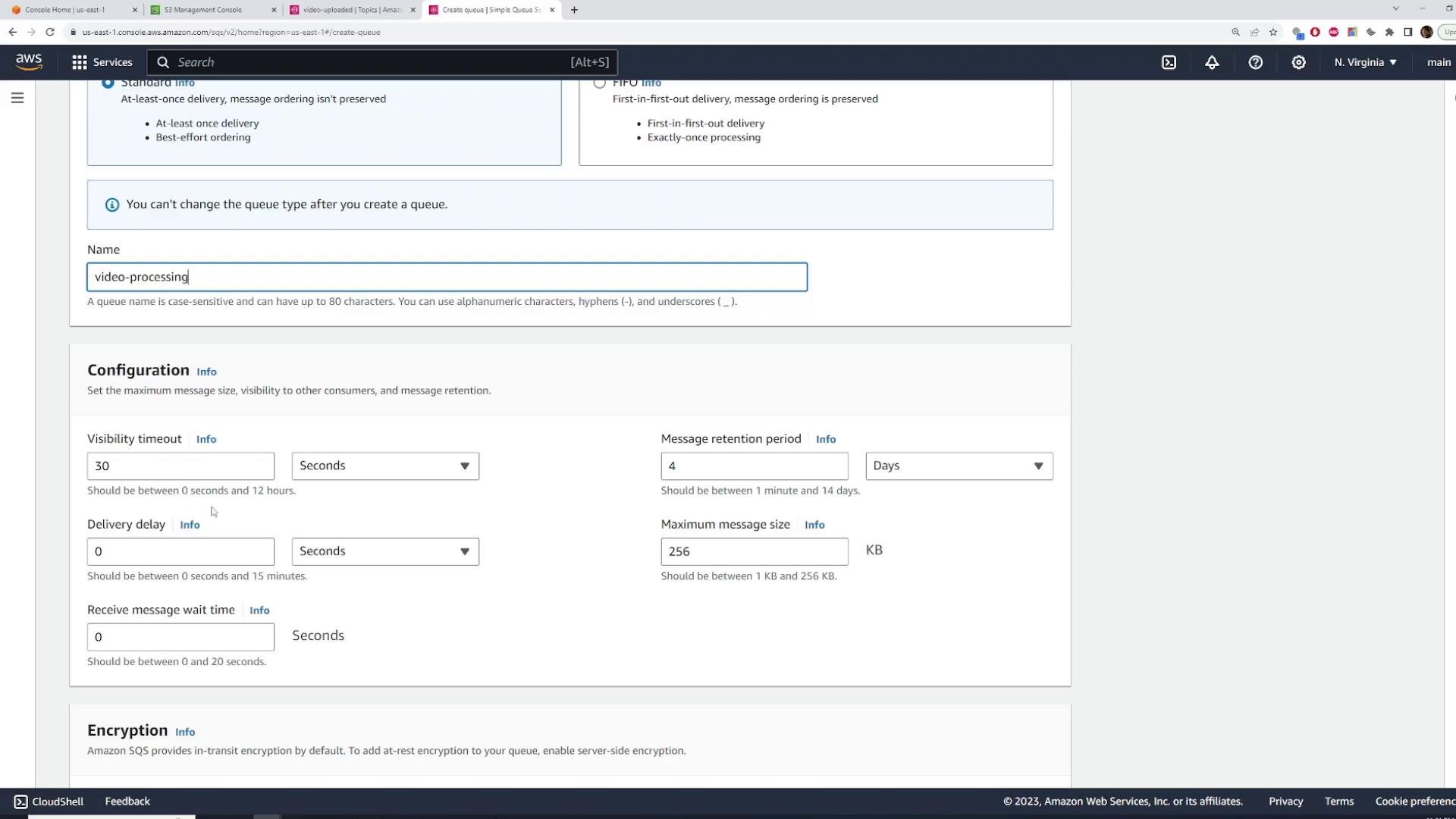
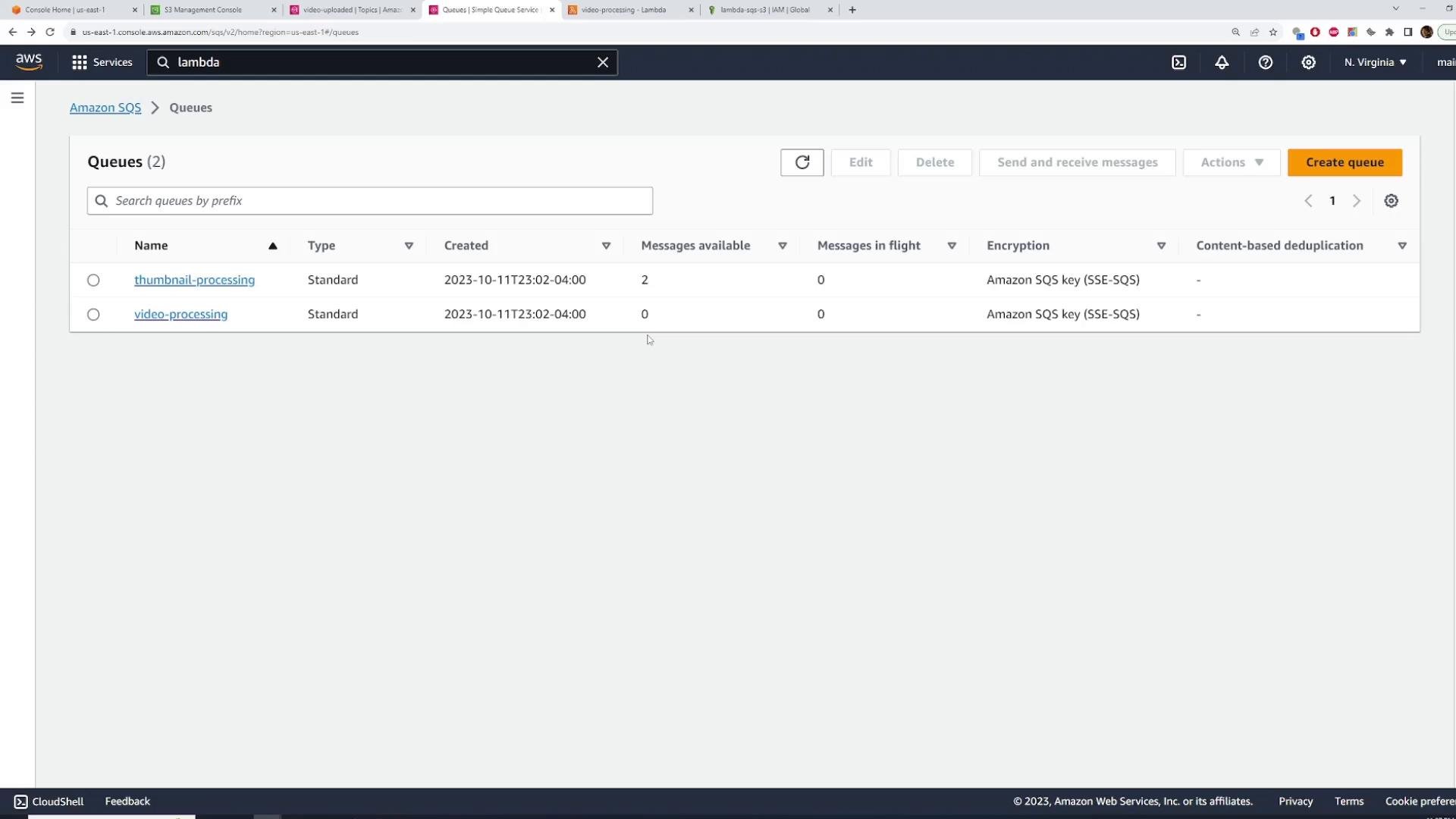
Create two Standard SQS queues:video-processing(Standard)thumbnail-processing(Standard)
- SNS topic → Subscriptions → Create subscription
- Protocol: Amazon SQS
- Endpoint: select the queue ARN
Publish a test message to SNS
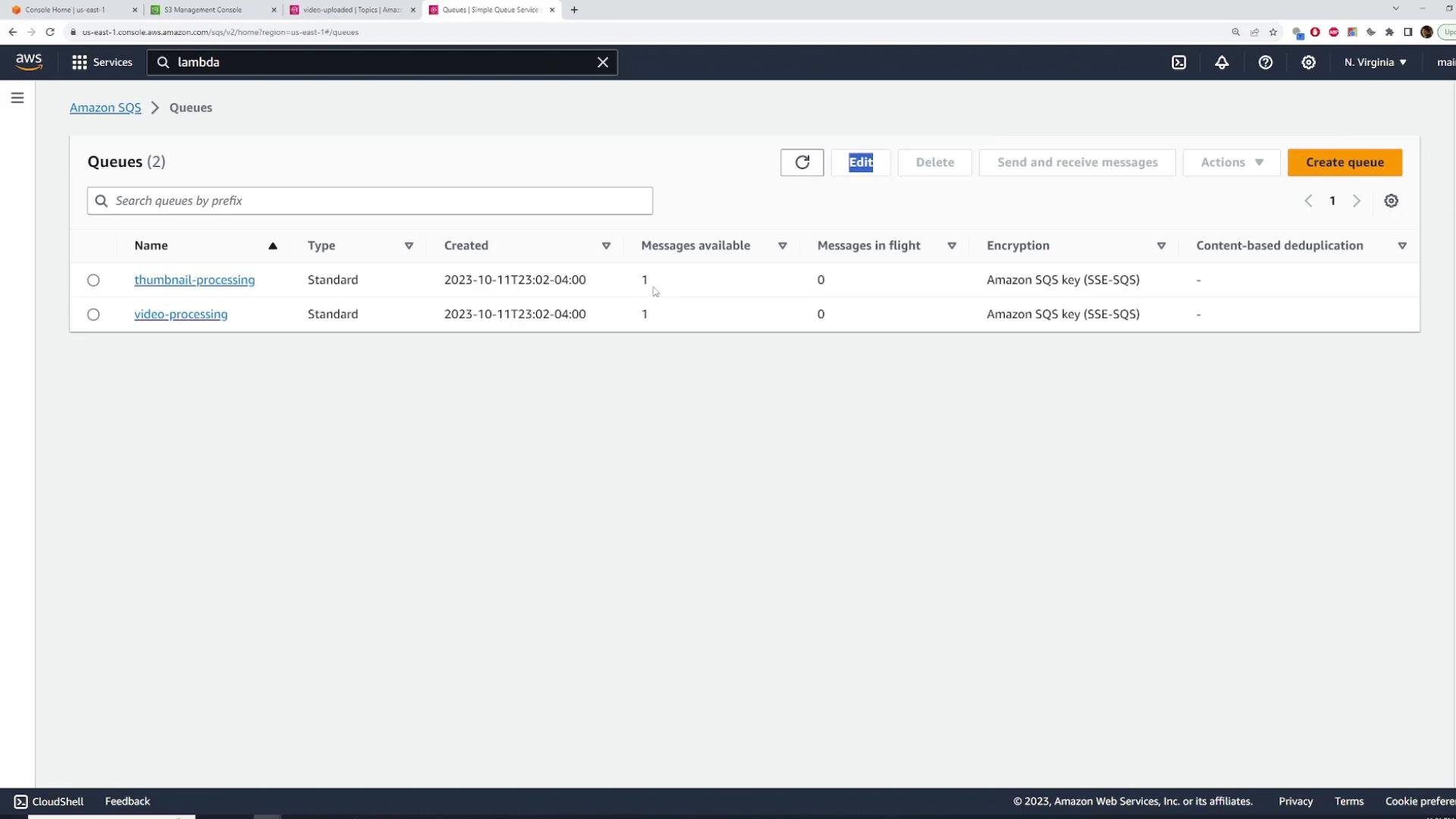
From the SNS topic page, use Publish message. The message body should include the information your workers require (for example, S3 bucket name and object key). Use JSON to keep messages structured. Example message body:- Both SQS queues should show the message available.
- Messages remain in the queues until a consumer (Lambda) receives them.
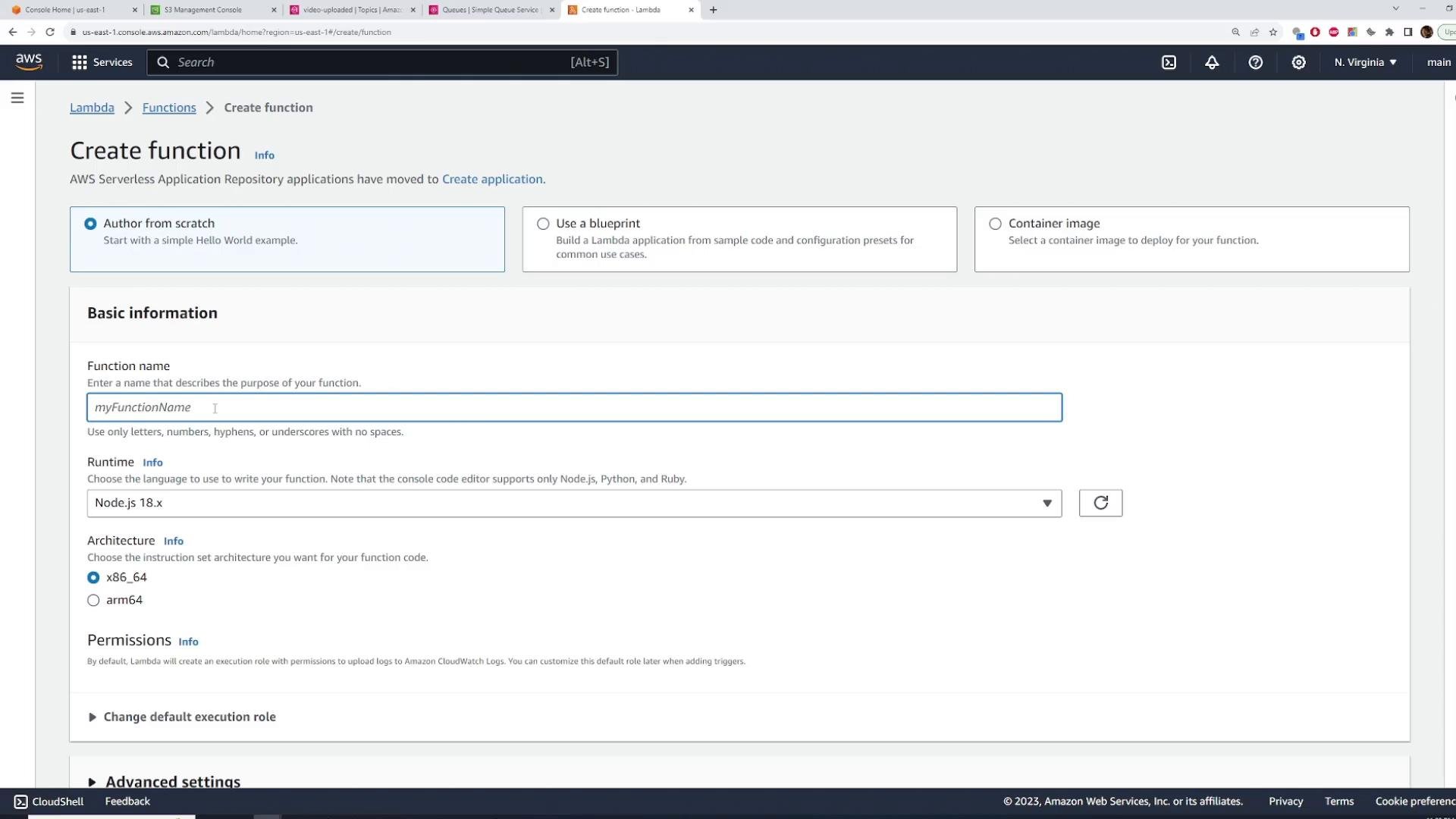
Create the Lambda functions
We need two Lambda functions:video-processing— downloads the S3 object, runs ffmpeg to produce HLS output, uploads toprocessed-videos-kodekloud.thumbnail-processing— downloads the S3 object (or extracts a frame), generates thumbnails, and uploads tothumbnails-kodekloud.
- SQS receive permissions: Use
AWSLambdaSQSQueueExecutionRoleor equivalent. - S3 permissions:
s3:GetObject,s3:PutObjectfor the relevant buckets (prefer least privilege in production). - CloudWatch Logs:
AWSLambdaBasicExecutionRole.
AmazonS3FullAccess, but in production scope down permissions to specific bucket ARNs. Example role name: Lambda-SQS-S3.
SQS event structure and Lambda handler
When Lambda is triggered by SQS, the event contains aRecords array. Each record’s body is a string that contains the SNS notification JSON. SNS wraps your original message inside the Message field (as a JSON-encoded string).
Typical shape (simplified):
- Parse
record.bodyto an object. - Parse the
Messageproperty (a JSON string) to obtain the original message.
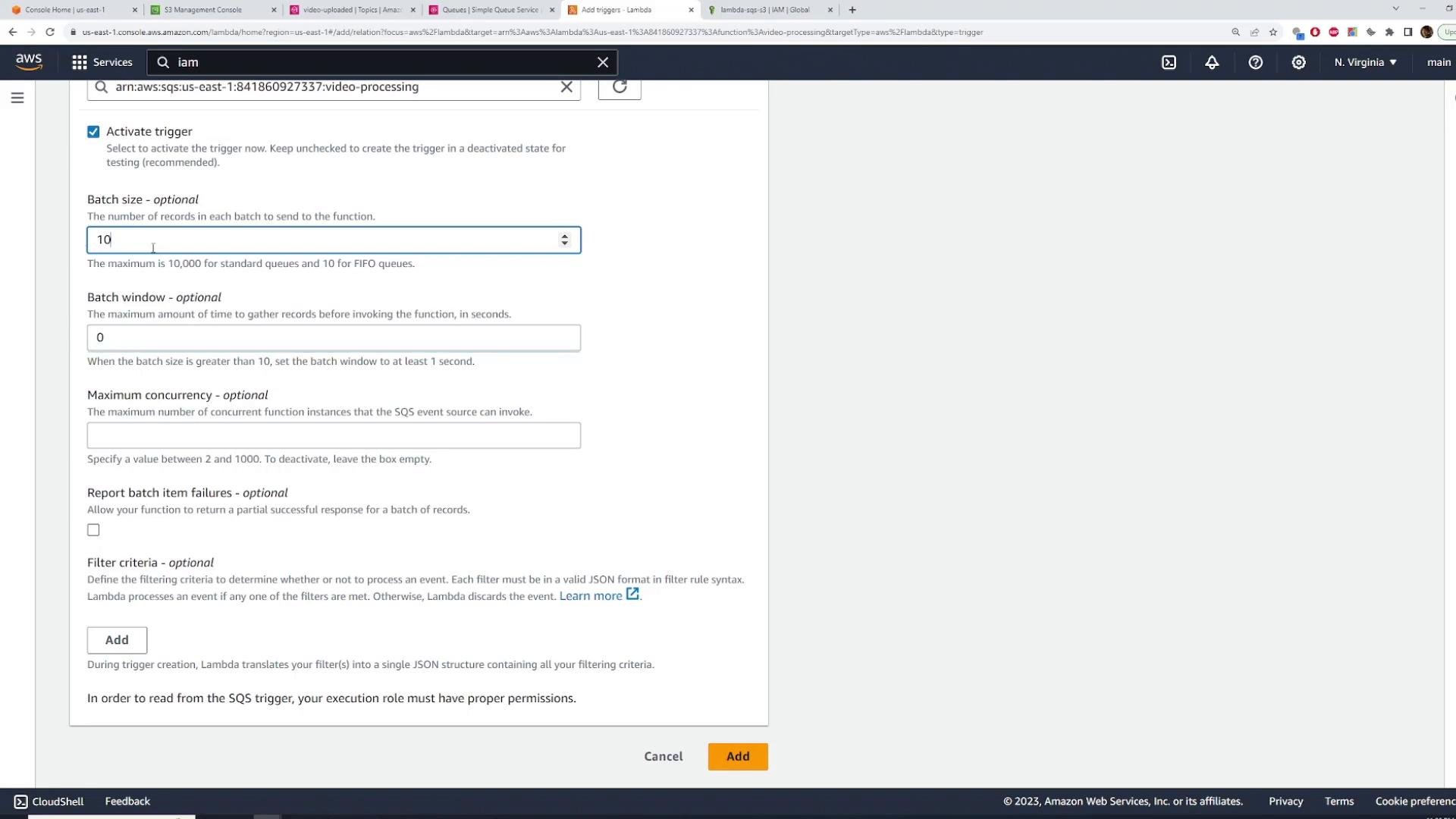
- Configure batch size (1..10 for Standard queues). Larger batches reduce invocations but require the handler to process multiple messages.
- Optionally configure batch window to allow more messages to be batched.
Video processing Lambda (example implementation)
Below is an example Lambda using AWS SDK v3 and fluent-ffmpeg to download a video, create HLS output, and upload generated files to the processed bucket. This is a focused example to illustrate structure — production code should include more robust error handling, streaming, and /tmp cleanup.Lambda environments do not include ffmpeg by default. Provide a working ffmpeg binary via a Lambda layer or use a container image runtime that bundles ffmpeg. Also ensure the Lambda role has
s3:PutObject permission for the processed-videos-kodekloud bucket.Thumbnail-processing Lambda
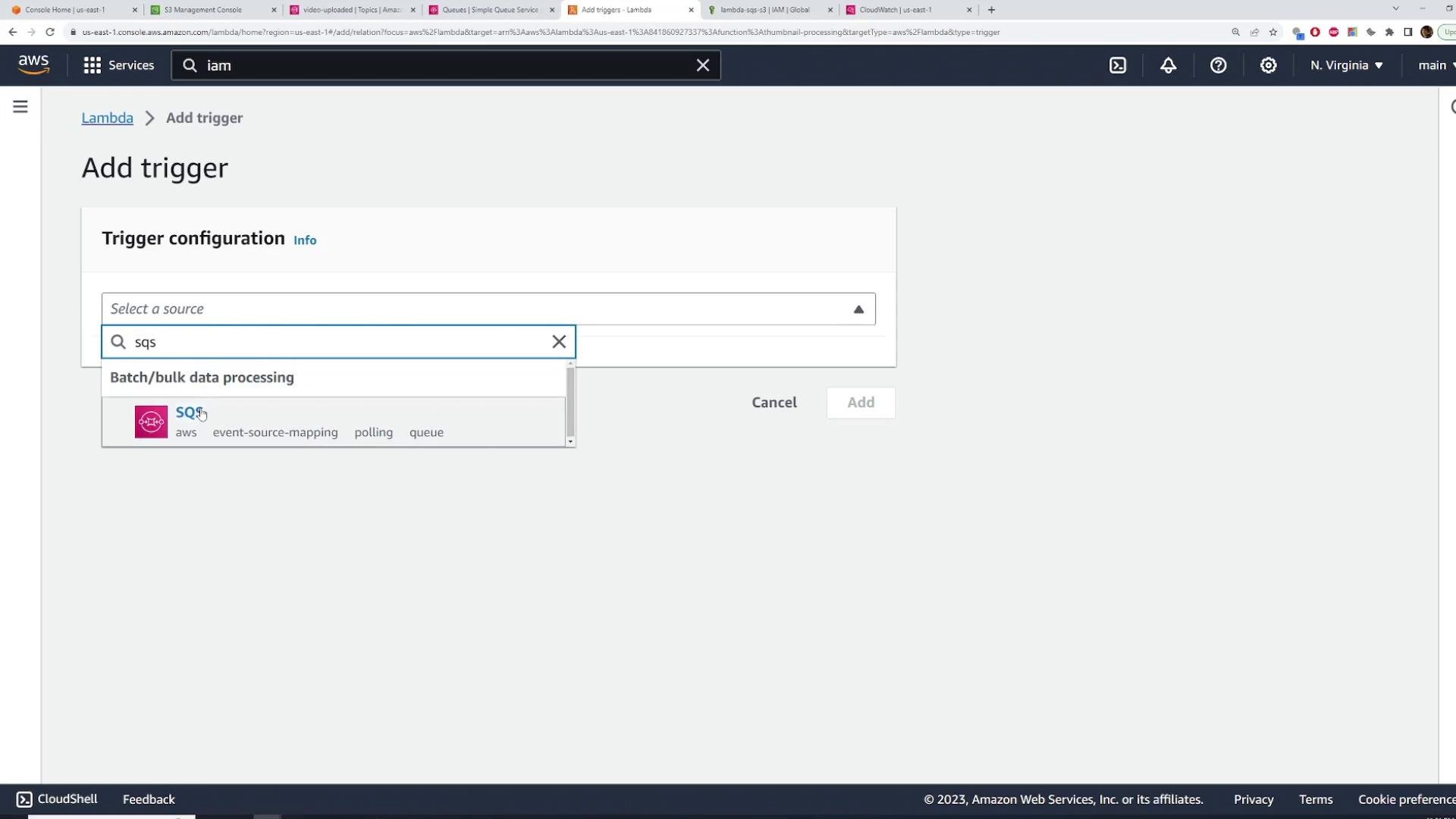
Create the thumbnail Lambda using the same role (Lambda-SQS-S3) or a role with equivalent S3 and CloudWatch permissions. Add thumbnail-processing SQS as the trigger. Implement logic to download the input object (or stream a frame), generate thumbnails (using ffmpeg, sharp, or similar), and upload to thumbnails-kodekloud.
Configure S3 to publish events to SNS
You have two options to notify SNS when a new object is created:- Have your upload client publish a message to SNS via the AWS SDK.
- Configure an S3 Event Notification to publish to SNS automatically when new objects are created.
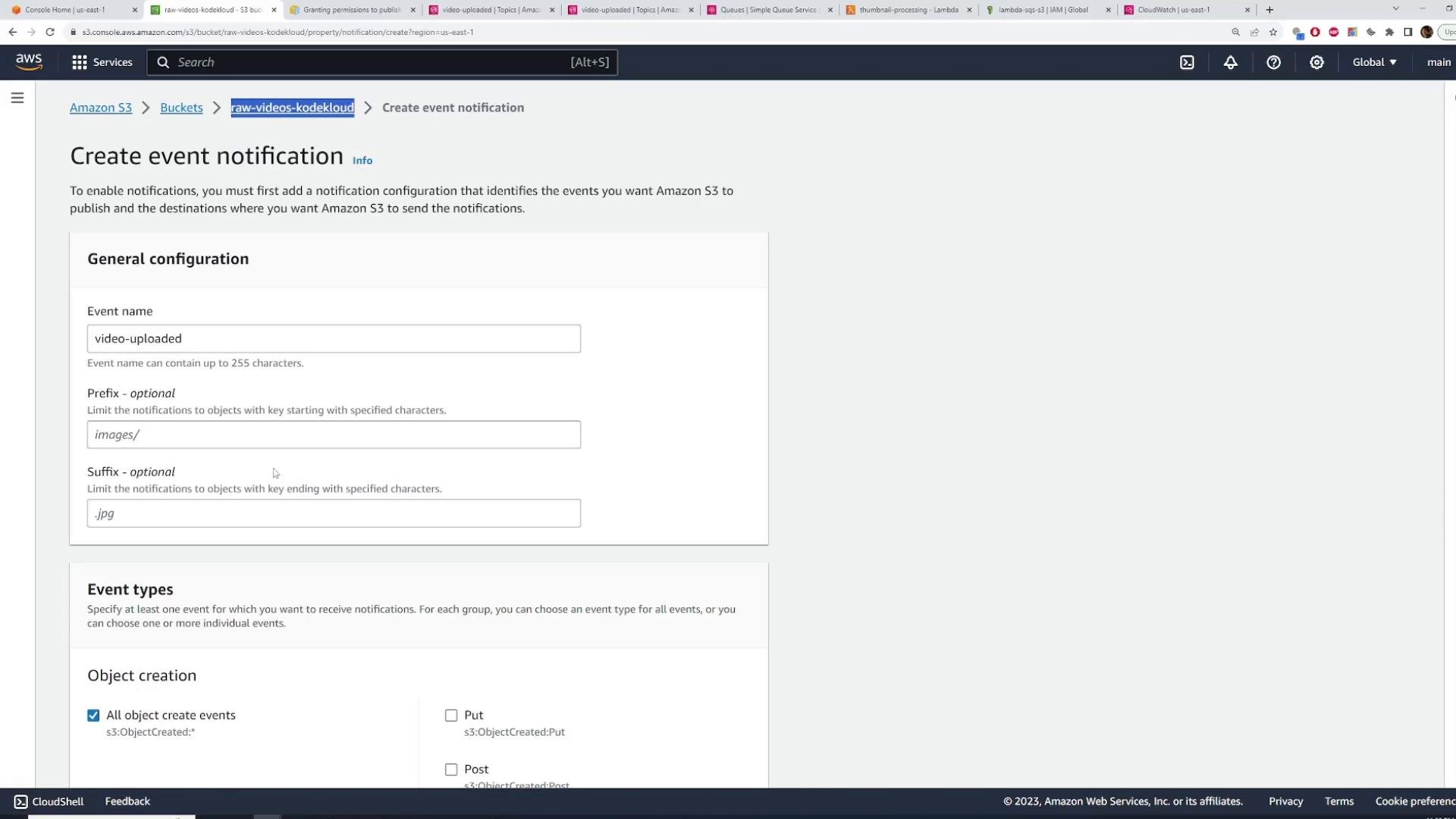
- Go to S3 → Bucket (
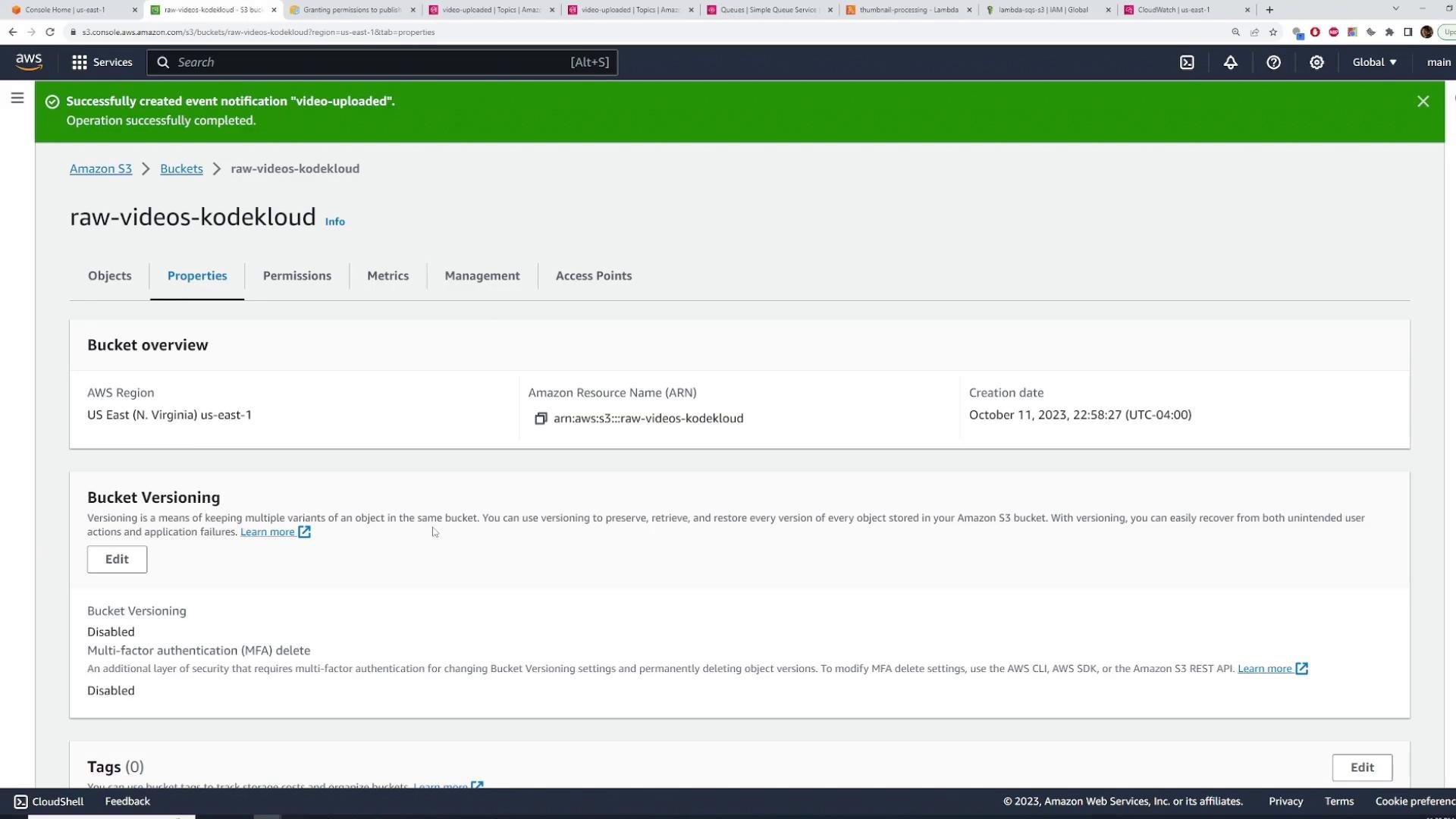
raw-videos-kodekloud) → Properties → Event notifications → Create event notification. - Name:
video-uploaded - Optionally add Prefix/Suffix filters (for example filter by path or file extension).
- Event types: choose “All object create events” (PUT/POST/COPY/Multipart Upload).
- Destination: SNS topic → select
video-uploaded.
s3.amazonaws.com to call SNS:Publish for your topic only for the desired bucket and account.
Example SNS topic policy statement (replace values with your ARNs and account ID):
Statement array — do not overwrite the whole policy unless you intend to.
When adding the statement to the topic policy, ensure you only add the policy element (the statement object) into the existing policy’s Statement array. Do not duplicate top-level
Version or Id keys if they already exist.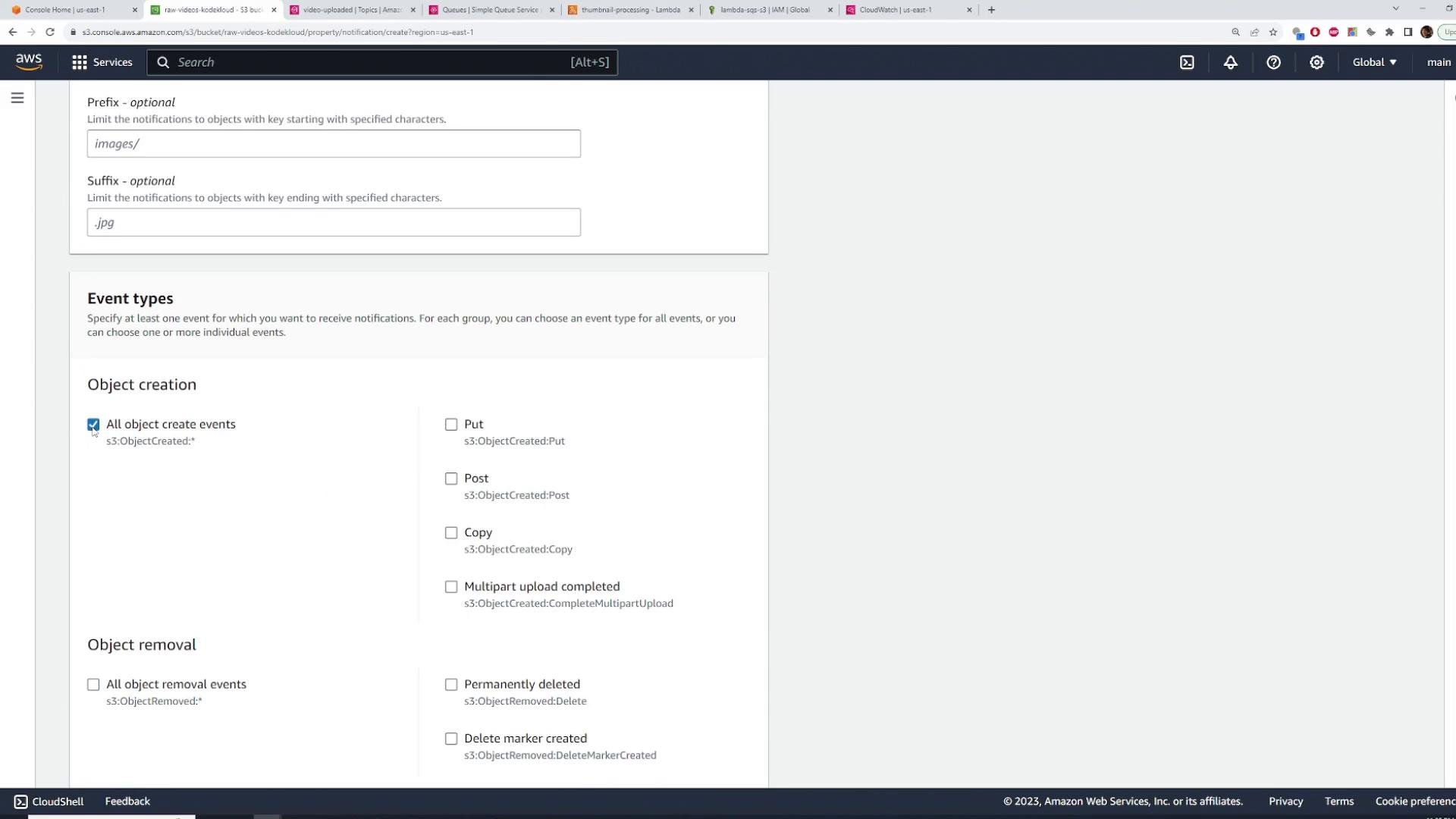
Test the end-to-end flow
- Confirm both SQS queues are empty.
- Upload a small test video file to
raw-videos-kodekloud(via S3 console or CLI). - S3 event → SNS topic
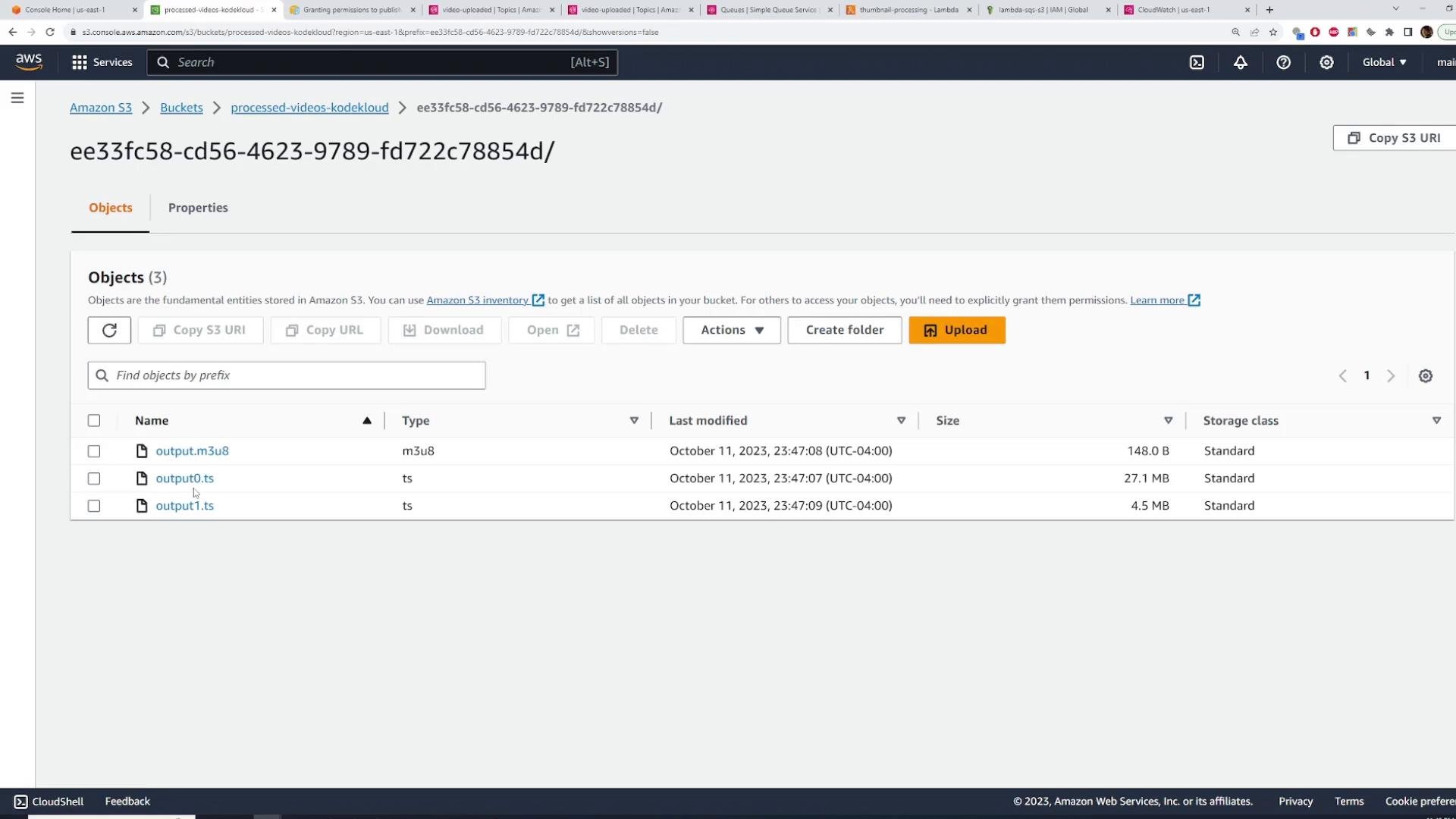
video-uploaded→ SNS fans out to both SQS queues → each Lambda processes its queue.
- HLS files (playlist
.m3u8+.tssegments) inprocessed-videos-kodekloudunder a generated ID folder. - Thumbnails in
thumbnails-kodekloudunder a matching ID folder.
Cleanup
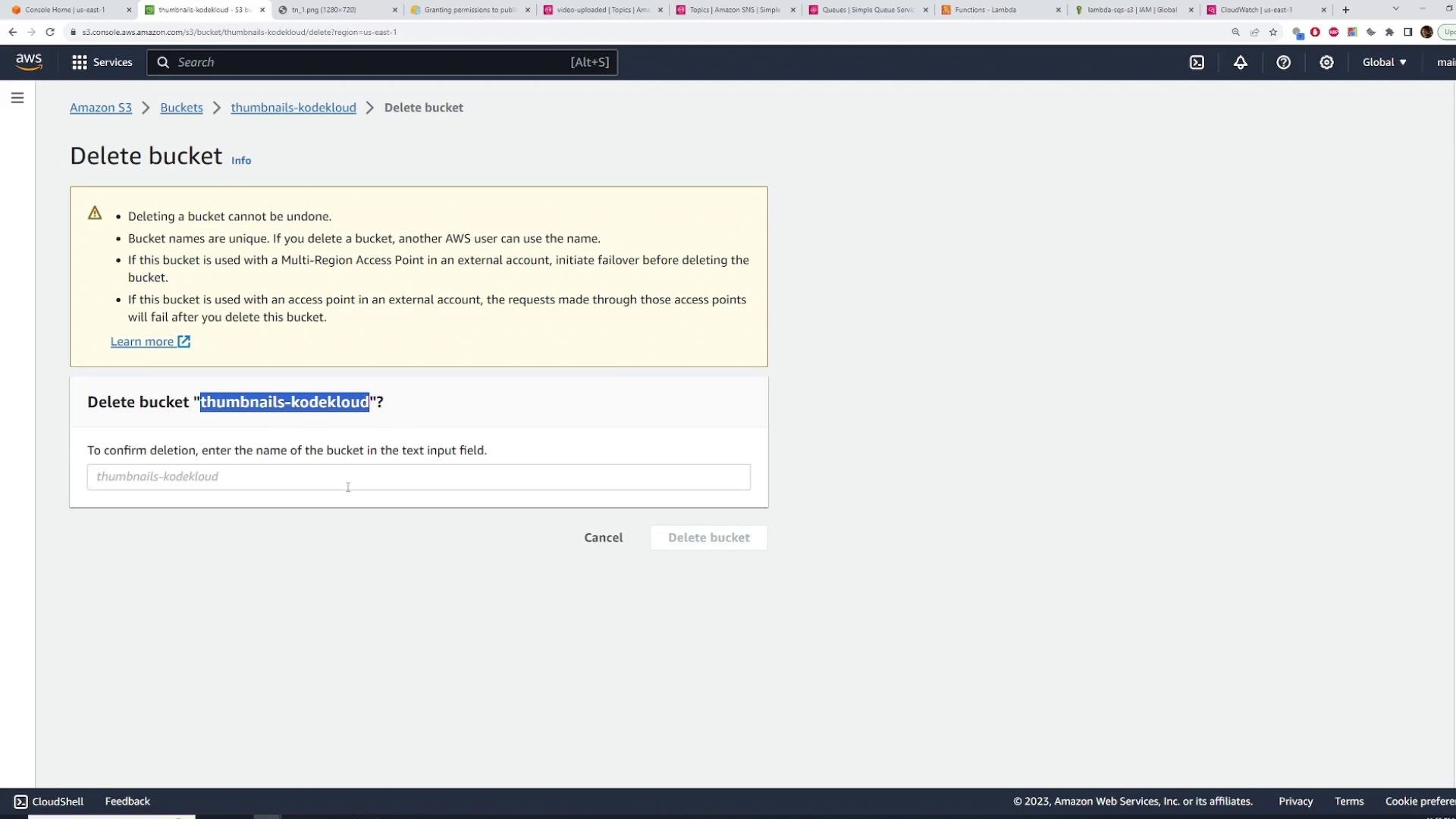
To avoid ongoing charges delete the demo resources when finished:- Delete SQS queues.
- Delete SNS topic.
- Delete Lambda functions.
- Empty and delete S3 buckets (you must empty before deletion).
Links and references
- Amazon S3 Event Notifications
- Amazon SNS Developer Guide
- Amazon SQS Developer Guide
- AWS Lambda Developer Guide (SQS as event source)
- fluent-ffmpeg GitHub