

Overview
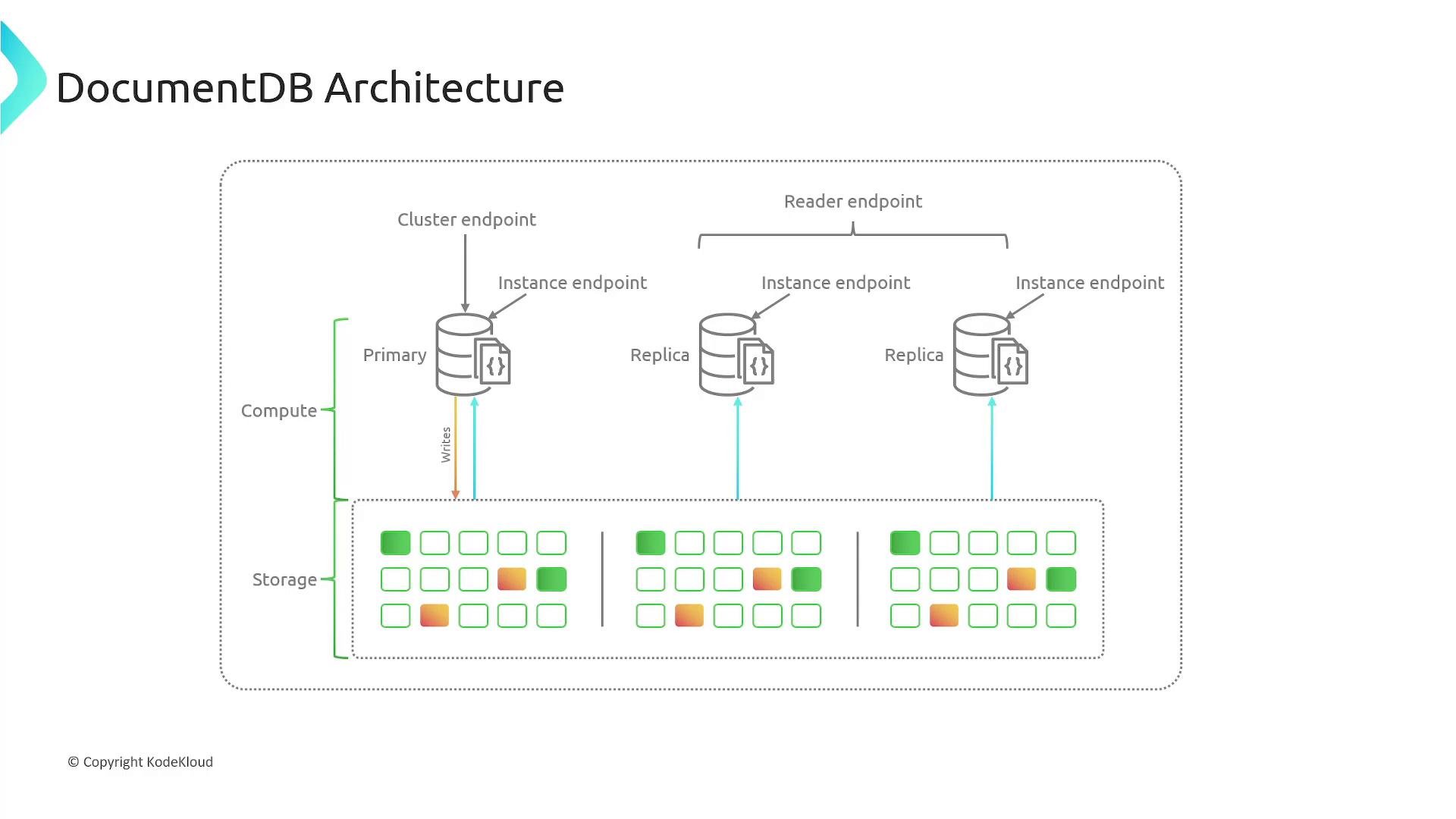
Amazon DocumentDB is a fully managed, MongoDB-compatible document database. It removes the operational burden of running MongoDB clusters (backups, scaling, failover, maintenance) while allowing applications to use familiar MongoDB drivers and tools—provided the DocumentDB version is compatible with the MongoDB driver and features you depend on. A DocumentDB deployment is organized around clusters. Each cluster contains one cluster volume (the durable storage layer) and one or more instances (compute). The storage layer is cloud-native, highly available, and automatically scales as your data grows. Key high-level points:- Managed, MongoDB-compatible document database.
- Storage replicated six ways across three Availability Zones (AZs).
- A cluster has exactly one cluster volume and between 1 and 16 instances.
- Compute (instances) scales independently of storage.
Cluster architecture and instances
A DocumentDB cluster separates compute from storage:-
Cluster volume
- Single cluster volume per cluster.
- Automatically scales with data.
- Data is stored in six copies across three AZs for durability and availability.
-
Instances
- Provide compute to read and write to the cluster volume.
- A cluster can have 1–16 instances.
- Instances do not have to be the same instance class; scale instance compute independently.
Global clusters (multi-region)
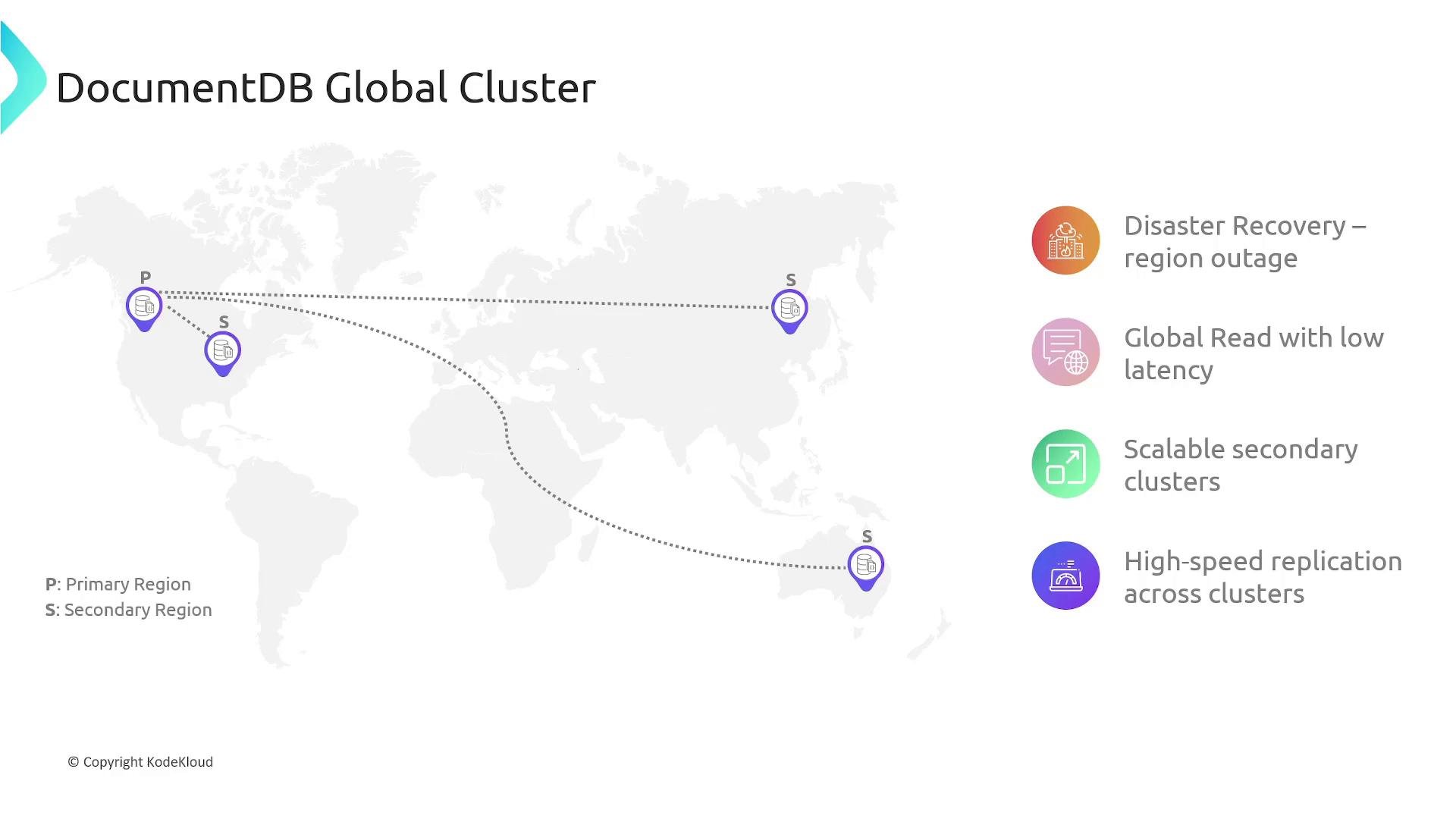
DocumentDB supports global clusters for multi-region deployments. A global cluster replicates data from one primary cluster to up to five secondary clusters in different AWS Regions. Replication is fast and storage-based, producing low (sub-second) replication latencies and keeping compute instances free to serve local application traffic. Benefits:- Disaster recovery with cross-region failover options.
- Low-latency regional reads for globally distributed clients.
- Independently sized regional clusters — choose instance types/counts per region based on traffic.
Key features and benefits
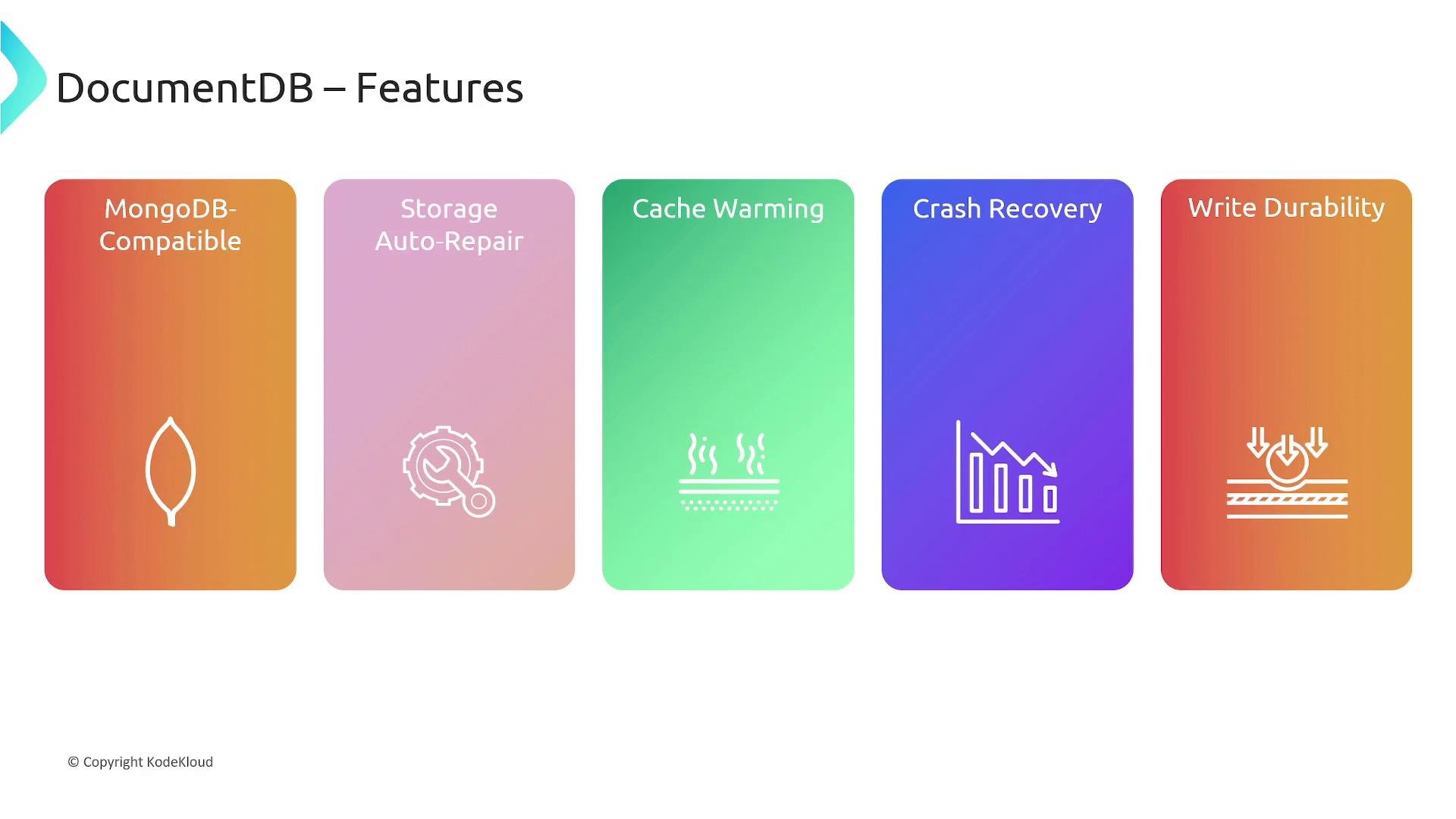
- MongoDB compatibility — Use existing MongoDB drivers and many MongoDB tools with compatible DocumentDB versions.
- Storage redundancy & durability — Data is replicated six ways across three AZs.
- Storage auto-repair — Failed segments of the cluster volume are repaired from other copies to maintain data integrity.
- Cache separation / cache warming — DocumentDB isolates the page cache from the database process so buffer cache state can be preserved across certain restarts to speed warm-up.
- Fast, parallel crash recovery — Recovery work runs in parallel to restore service quickly after a crash.
- Write durability — Writes are considered durable when recorded on a majority of storage nodes.
Read scaling and read preferences
Because replicas are read-only and storage-level replication is used, replicas can focus on serving reads without performing replication writes. Client-driven read routing (MongoDB read preferences) lets applications control where reads go based on latency, throughput, and consistency requirements. Common MongoDB read preferences:
Example (JavaScript MongoDB-style driver) — prefer a replica but fall back to primary:
Choose read preferences based on your consistency and latency needs. Routing reads to replicas reduces primary load and lowers read latency for geographically distributed clients, but may expose slightly stale data depending on replication lag.
Common use cases
- Content management and document-centric applications.
- User profiles, preferences, and session stores.
- Applications that require horizontal read scaling and low-latency global reads with managed, highly available storage.
Summary
Amazon DocumentDB (with MongoDB compatibility) is a fully managed document database that:- Automatically replicates six copies of your data across three Availability Zones for high durability and availability.
- Separates compute from storage so you can scale instances independently of storage.
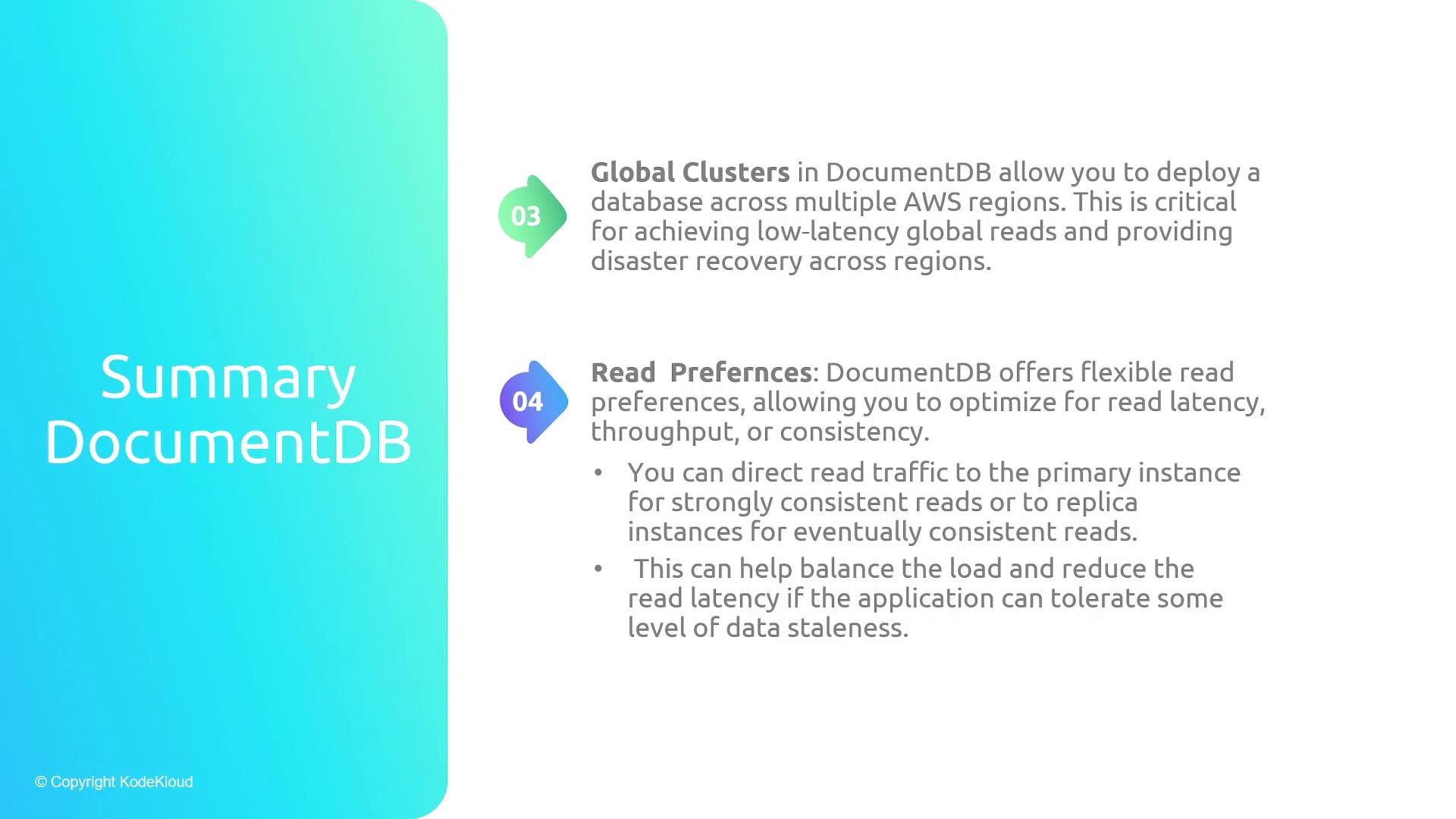
- Supports global clusters for multi-region deployments with independent scaling per region.
- Offers flexible client read preferences so applications can optimize routing for latency, throughput, or consistency.
Links and references
- Amazon DocumentDB documentation
- MongoDB documentation
- Read about differences between NoSQL models: NoSQL Databases Overview