Firewall fundamentals
A firewall inspects network traffic and permits only the connections defined by a set of rules. Rules are either inbound (ingress) or outbound (egress):- Inbound rules control traffic entering a resource (for example, HTTP requests to a web server).
- Outbound rules control traffic leaving a resource (for example, responses or outgoing API calls).
Stateless firewall (example)
- Web server listens on destination port 443 (HTTPS).
- A client initiates a TCP connection to destination port
443from a random ephemeral source port (1024–65535). - A stateless firewall requires explicit rules for both directions: allow inbound TCP
443and allow outbound to ephemeral port range. - If the server initiates an outbound request to port
80, you must also allow outbound TCP80and inbound to the ephemeral range.
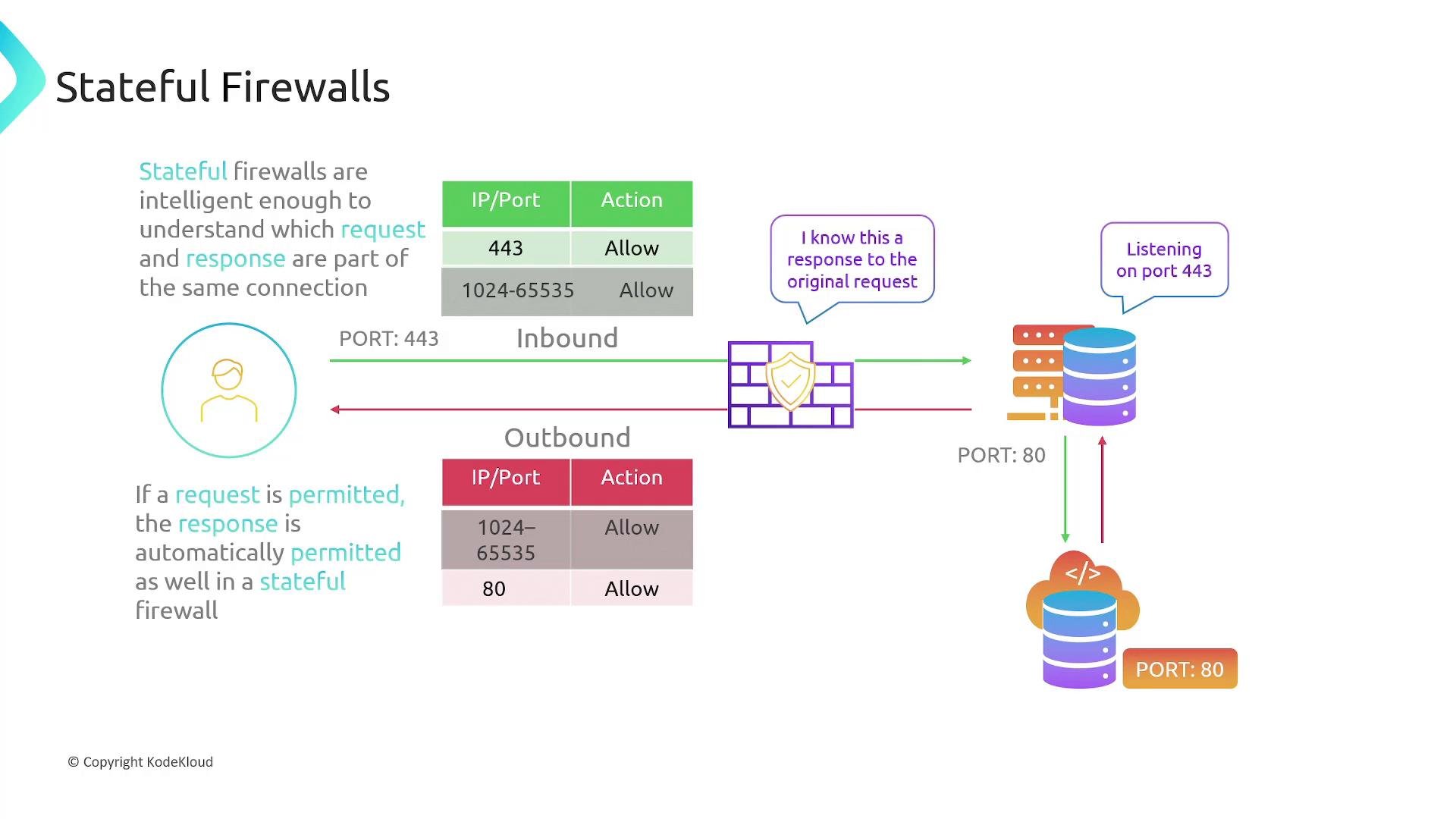
Stateful firewall (example)
- Web server listens on destination port
443. A client connects. - A stateful firewall only needs the inbound rule for
443. It tracks TCP sessions and automatically permits outbound response packets for that connection. - For server-initiated outbound requests (e.g., to port
80), only an outbound80rule is required; the inbound response is allowed automatically.
Network ACLs (NACLs)
- NACLs filter traffic at the subnet boundary (entering and leaving a subnet).
- Each subnet is associated with one NACL. A NACL can be associated with multiple subnets.
- NACLs are stateless: you must configure both inbound and outbound rules for a full conversation.
- NACLs do not filter intra-subnet traffic; instances in the same subnet can communicate unless other controls (like security groups) block them.
Security groups
- Security groups act as virtual firewalls for specific resources (EC2 instances, ENIs, RDS instances, load balancers).
- Security groups are stateful: responses to allowed requests are automatically permitted.
- Security groups are attached to resources (not subnets).
- Security group rules are always allow rules; there are no explicit deny rules. Any traffic not matched by an allow rule is implicitly denied.
Configuring security group rules (Console)
The inbound and outbound rules share the same fields in the AWS Console. Common fields:
Selecting a common Type (like HTTP) auto-fills the protocol and port. For
Custom TCP, you select the protocol and enter a custom port or range. You can also scope a rule to a single IP (for example, 1.1.1.1/32) or to another security group.
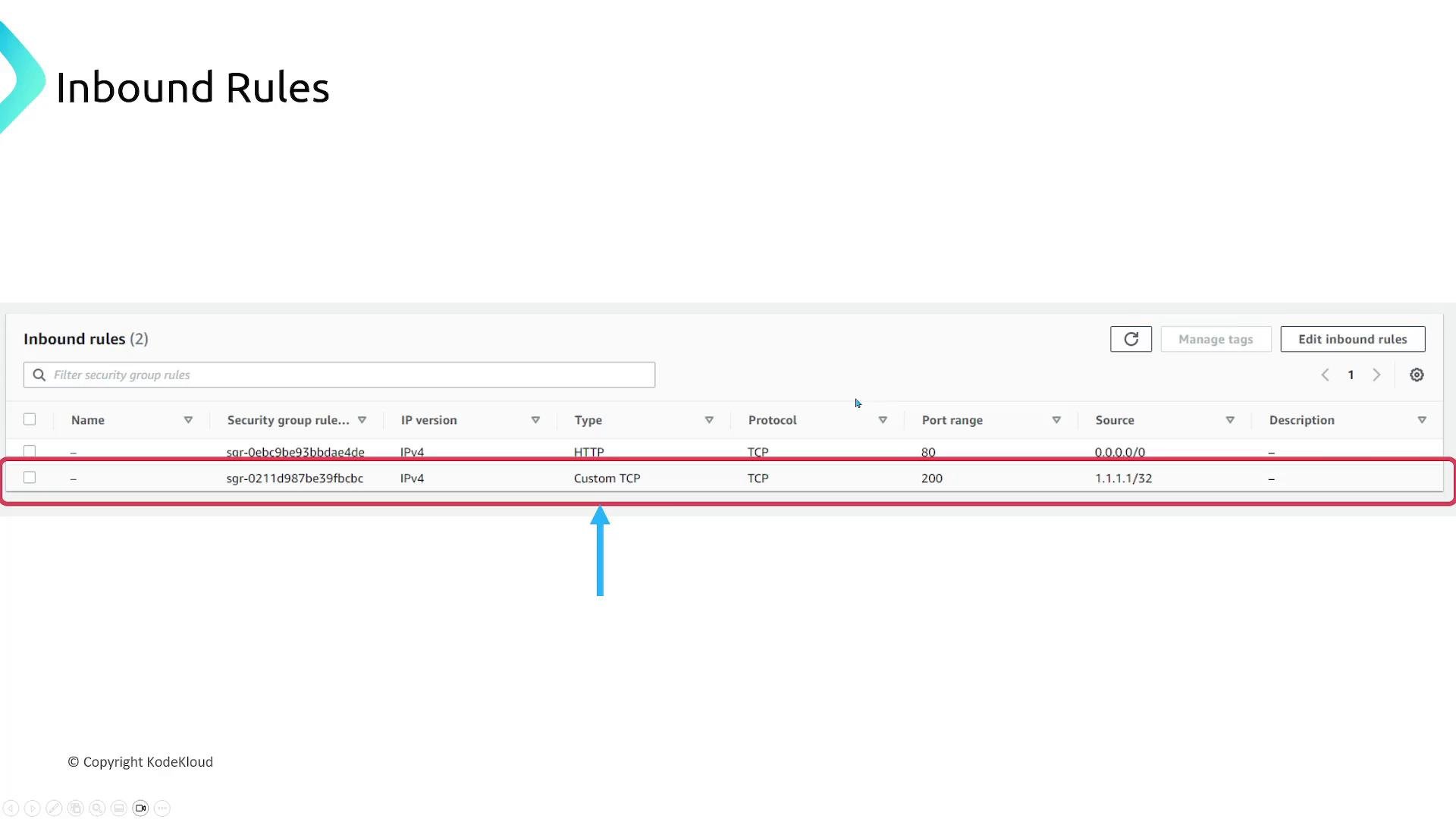
All traffic, all protocols and ports) to 0.0.0.0/0. You can modify or remove that rule as needed.
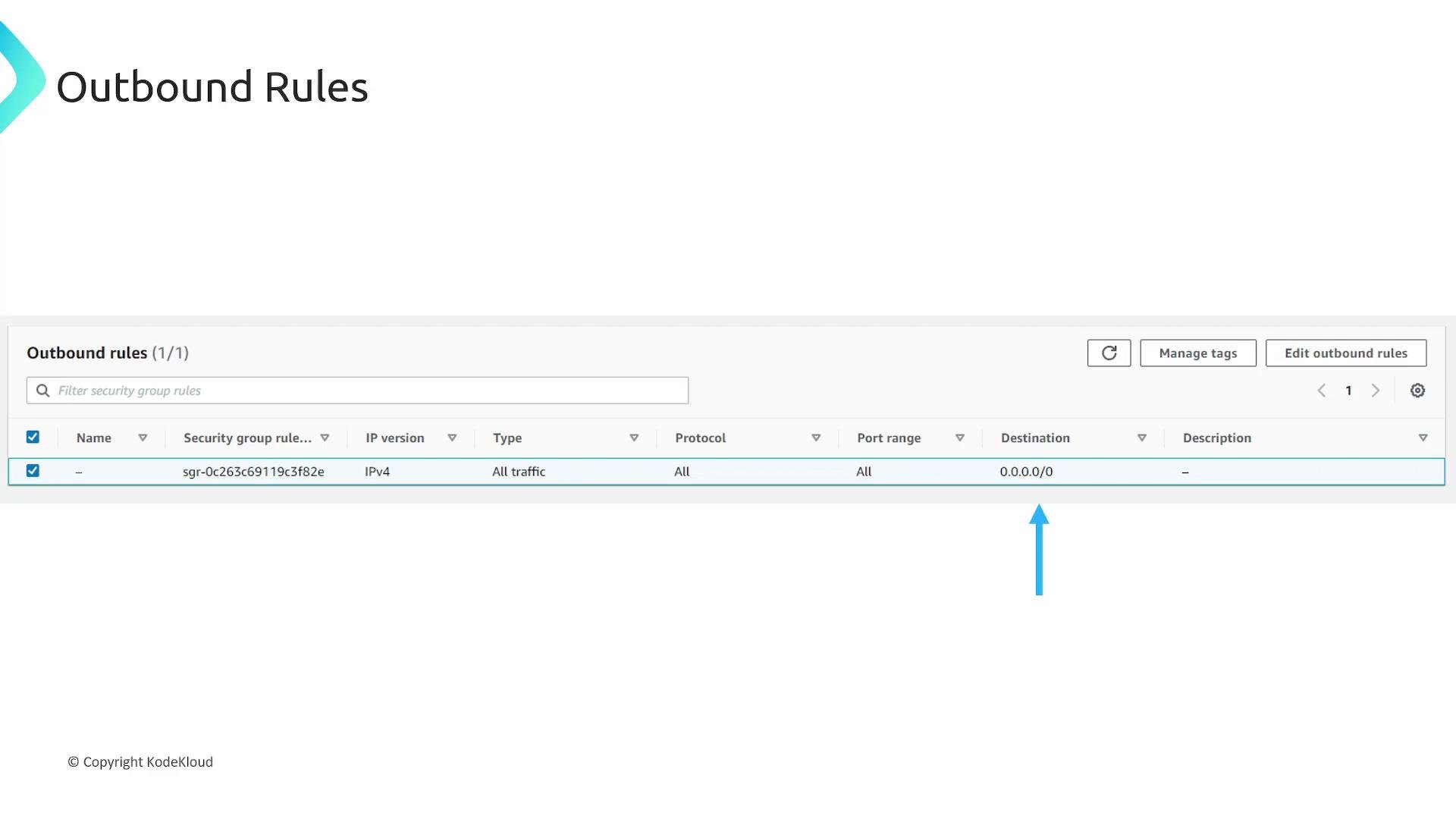
Security groups contain only allow rules. If no allow rules are present, the security group blocks all traffic. Be careful with overly permissive defaults like
0.0.0.0/0 for production resources.Important security group behaviors
- If a security group has no rules, it blocks all traffic.
- Security groups can only allow traffic; there is no explicit deny rule.
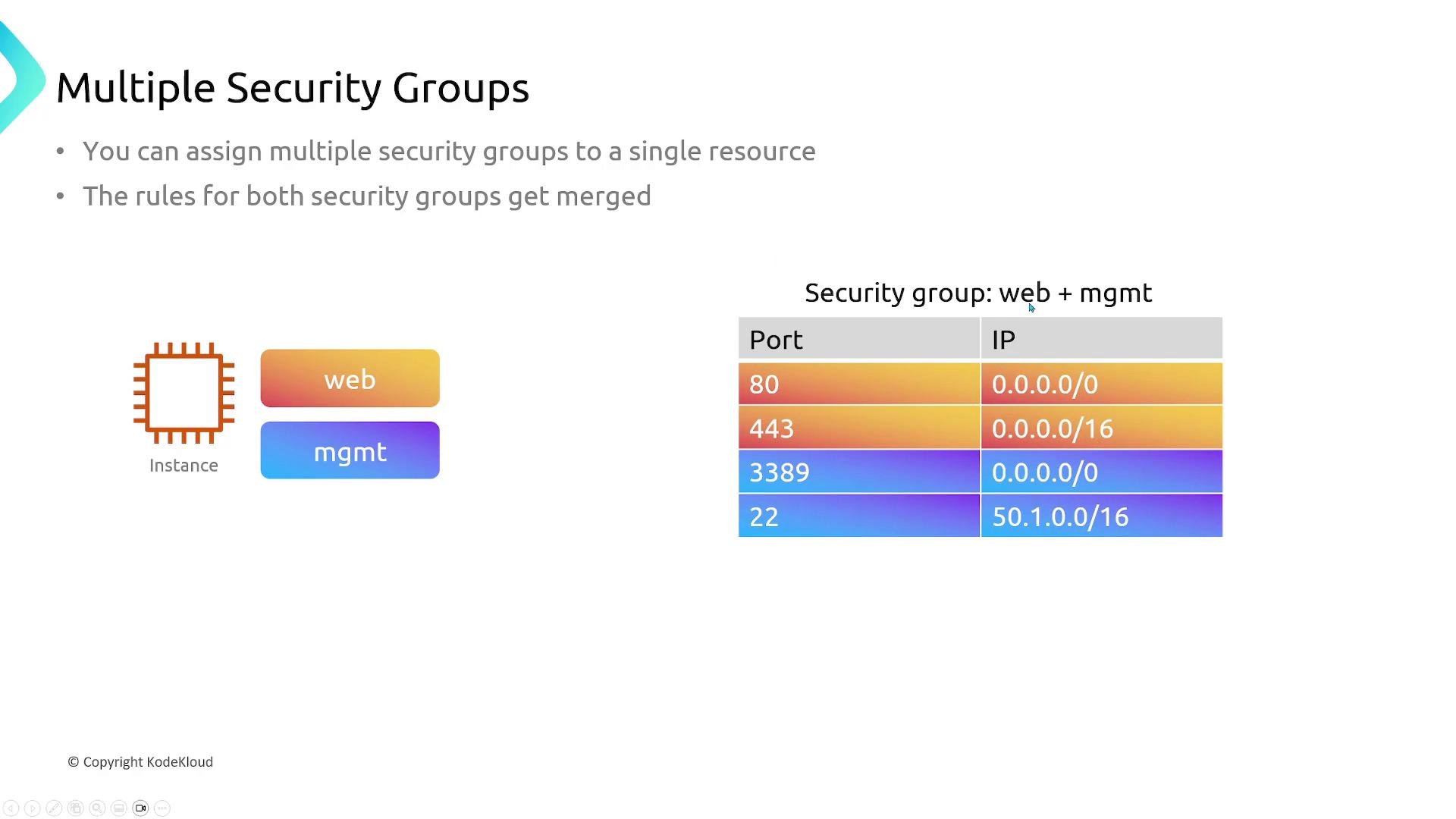
- Multiple security groups can be attached to a resource; their rules are combined (union) to form the effective allow list.
NACL rules and ordering
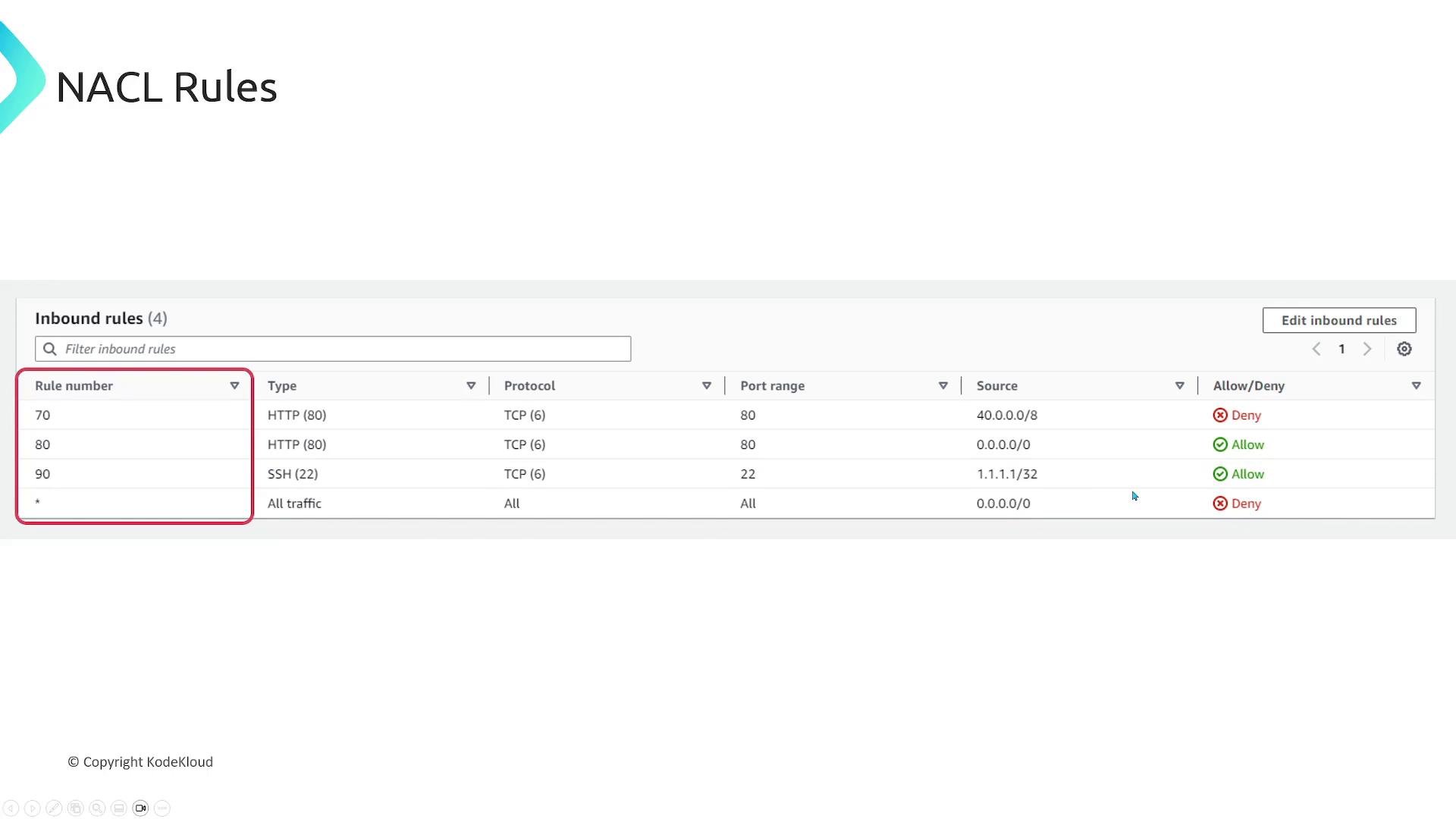
- NACLs evaluate numbered rules from lowest to highest. The first matching rule determines Allow or Deny.
- Unlike security groups, NACL rules can explicitly Allow or Deny traffic.
- Because NACLs are stateless, you must create both inbound and outbound rules for bidirectional flows.
Multiple security groups example
If an instance has two security groups attached—for example, aweb group allowing ports 80 and 443, and a mgmt group allowing ports 22 and 3389—the effective ruleset is the union of both groups. The instance will accept traffic permitted by either security group.
Default behaviors and AWS-managed exemptions
- By default, security groups allow all outbound traffic.
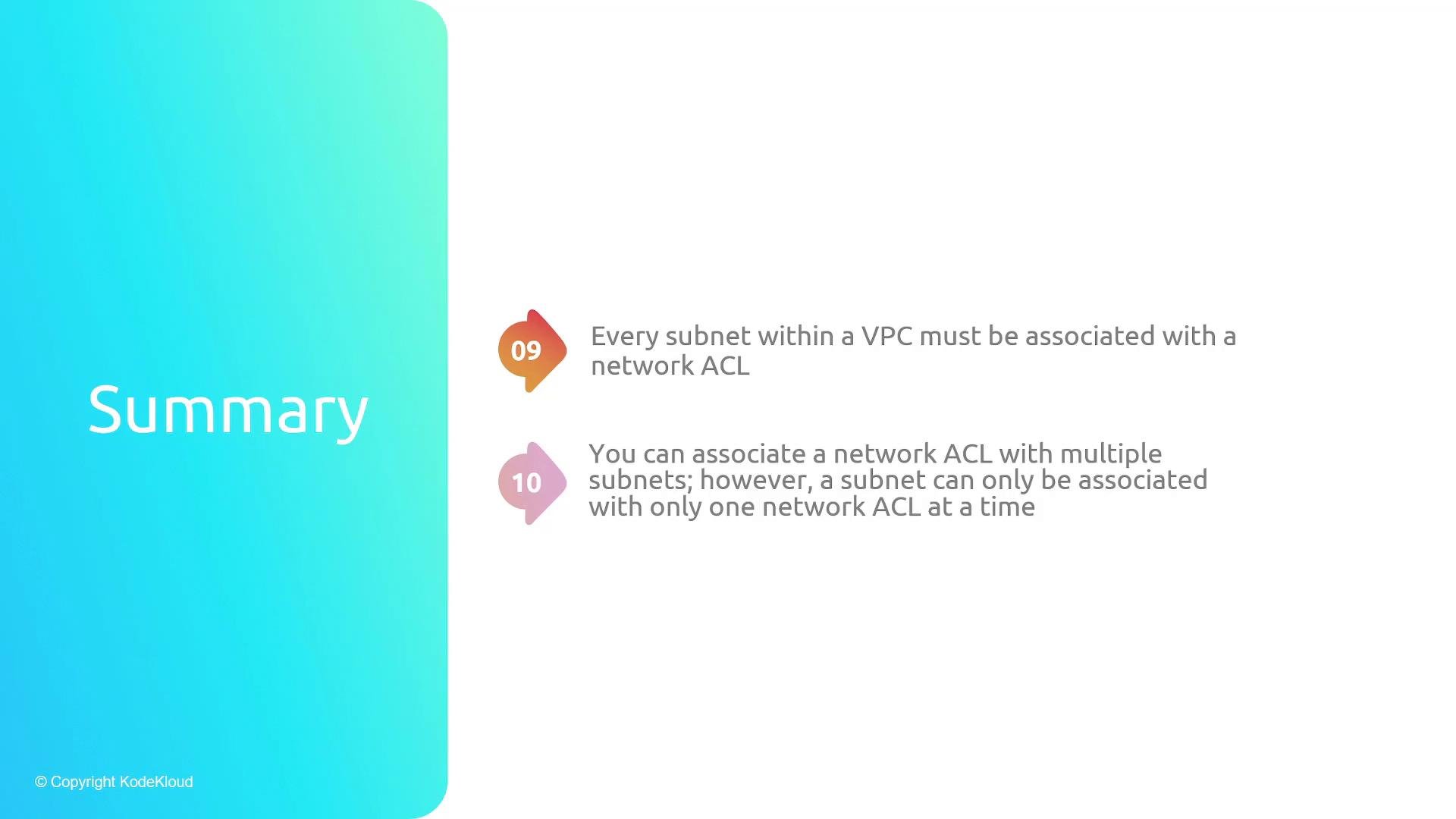
- Every subnet in a VPC must be associated with a network ACL. A single NACL can be associated with multiple subnets, but a subnet can only be associated with one NACL at a time.
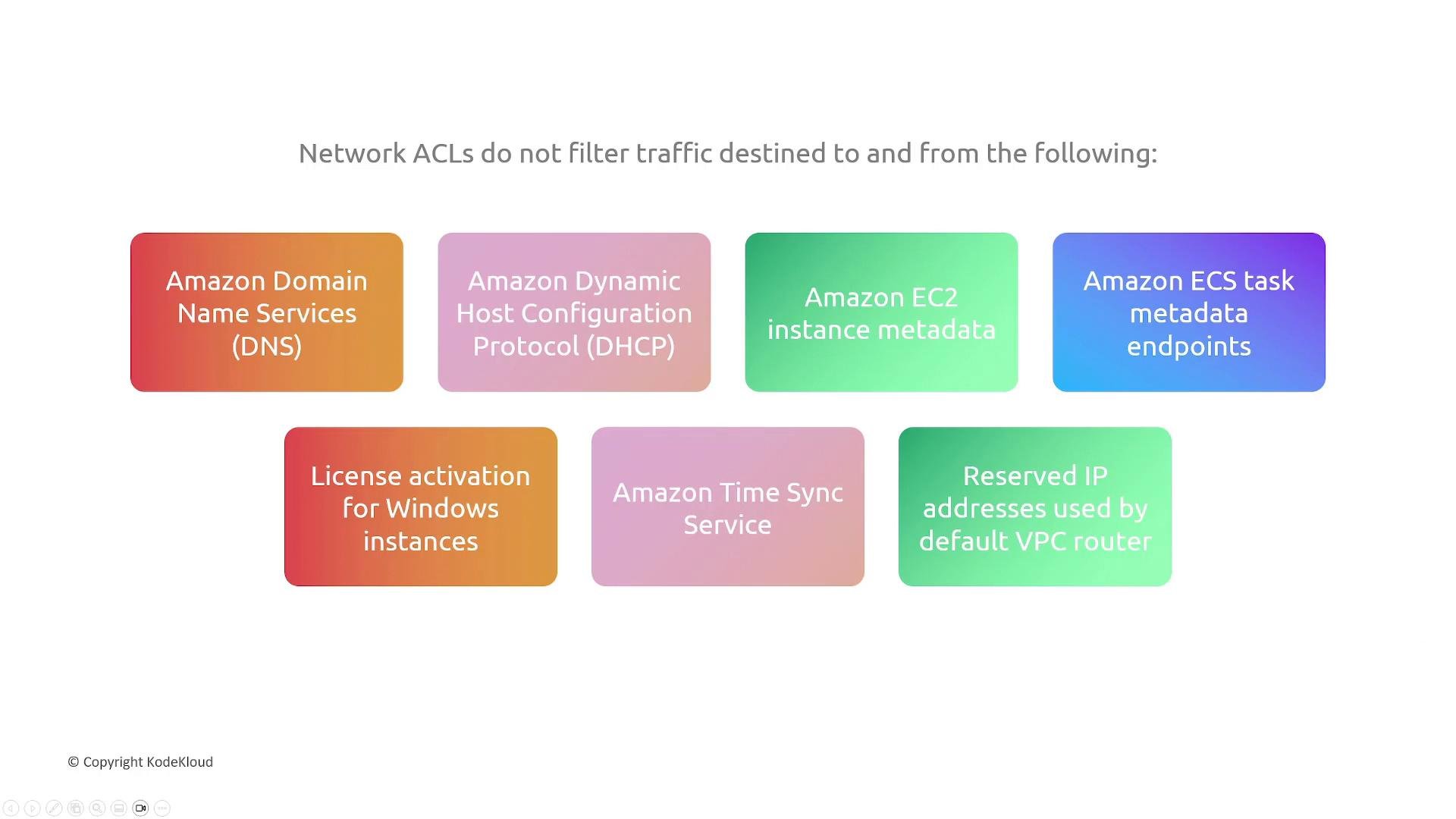
Remember: Security Groups are stateful and only have allow rules. NACLs are stateless and can explicitly allow or deny traffic; they are evaluated in rule-number order.
Quick comparison
Summary
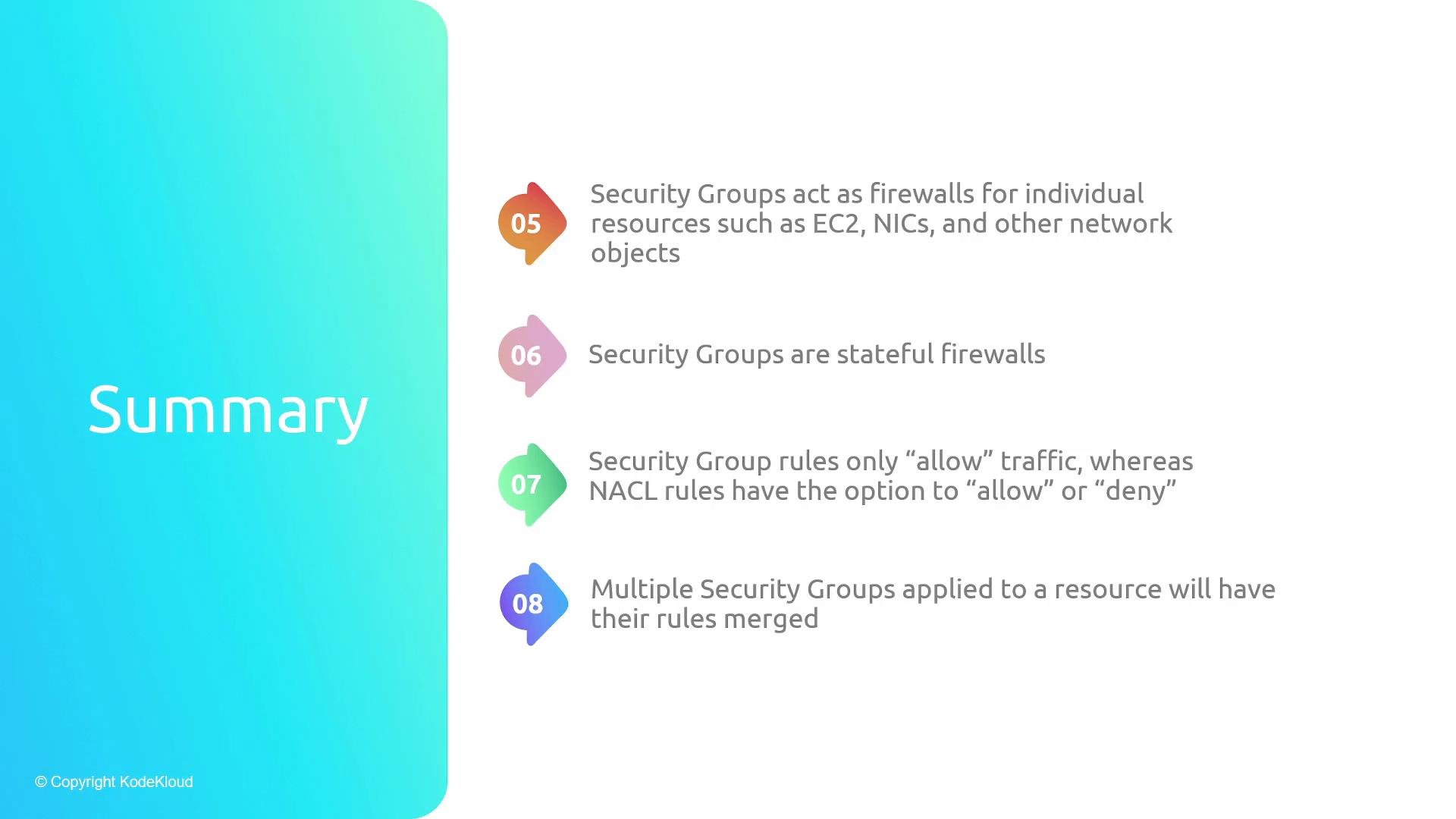
- Stateless firewalls require explicit rules for both directions of a session.
- Stateful firewalls track sessions and automatically allow response traffic to permitted requests.
- Network ACLs:
- Filter traffic entering and leaving subnets.
- Are stateless (need rules for both directions).
- Can explicitly allow or deny traffic.
- Security groups:
- Act as resource-level firewalls (applied to instances, ENIs, etc.).
- Are stateful (responses to allowed requests are automatically permitted).
- Only allow traffic (no explicit deny).
- Multiple security groups attached to a resource have their rules merged to form the effective ruleset.
- Every subnet in a VPC must be associated with a network ACL; a NACL can be associated with multiple subnets, but a subnet can only be associated with one NACL at a time.